Free template
Video production invoice template
A video production invoice should make the production phase and deliverable obvious. Separate pre-production, shoot days, editing, revision work, travel, equipment, and milestone payments so a client can compare the bill with the production scope.
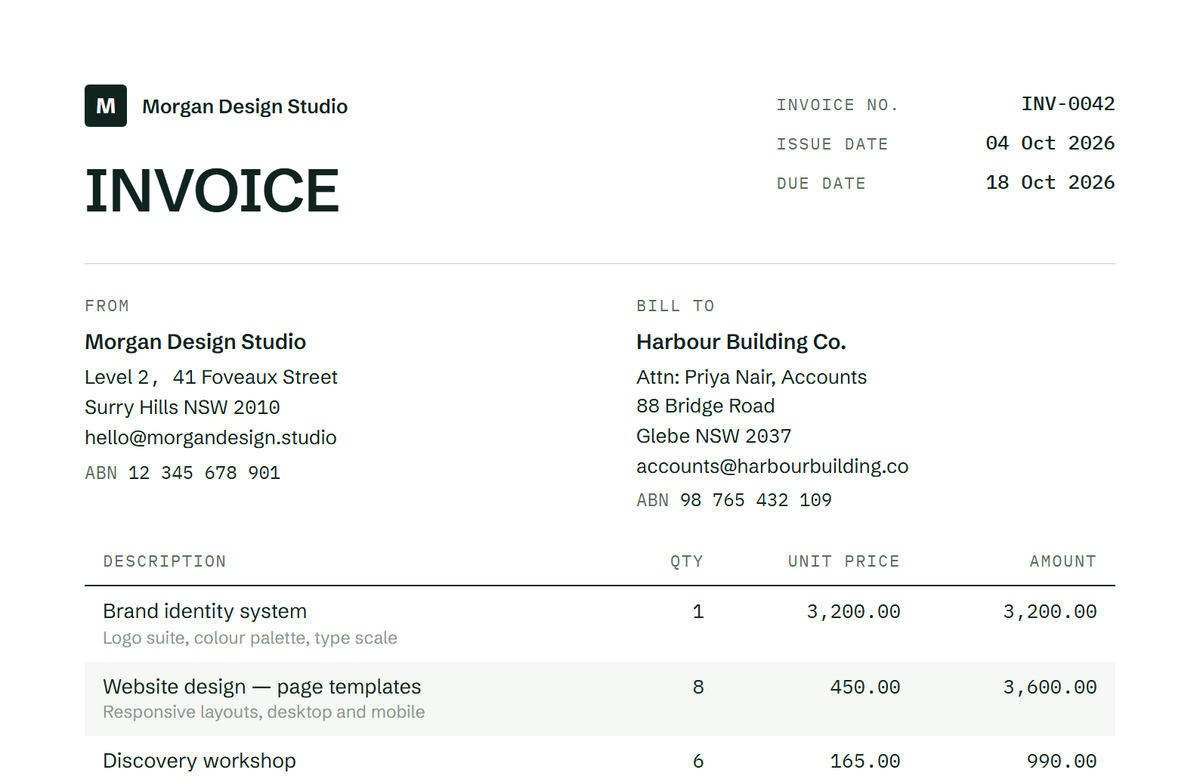
Preview unavailable. Download a template to view the document.
What goes on it
Video Production Invoice fields
| Field | What to write | Example |
|---|---|---|
| Project and production phase | Identify the project and whether the charge is pre-production, shoot, or post. | — |
| Shoot dates or days | State the days or period that support the charge. | — |
| Edit, revision, and deliverable | Connect post-production work to the agreed output. | — |
| Deposit, travel, and equipment | Show pass-through or milestone amounts separately. | — |
What a video production invoice invoice should explain
A video production invoice should make the production phase and deliverable obvious. Separate pre-production, shoot days, editing, revision work, travel, equipment, and milestone payments so a client can compare the bill with the production scope.
The invoice is the billing record for the agreed work. It should let the customer match the charge to the project and production phase and to the scope, rate, or milestone that was actually approved.
- A production deposit before a shoot. Keep the related work, dates, quantities, and agreed amount on a line the customer can check.
- Shoot and equipment charges after production. Keep the related work, dates, quantities, and agreed amount on a line the customer can check.
- An editing milestone with an approved revision round. Keep the related work, dates, quantities, and agreed amount on a line the customer can check.
Fields that keep the job recognizable
Use the fields that identify this job without inventing facts. If a value is not in the agreement or work record, leave it editable and confirm it before sending.
| Field | Why it belongs |
|---|---|
| Project and production phase | Identify the project and whether the charge is pre-production, shoot, or post. |
| Shoot dates or days | State the days or period that support the charge. |
| Edit, revision, and deliverable | Connect post-production work to the agreed output. |
| Deposit, travel, and equipment | Show pass-through or milestone amounts separately. |
Billing situations video production invoice providers actually meet
Choose the line structure that matches the agreement. A fixed charge, hourly record, milestone, deposit, or pass-through cost should be recognizable as its own basis rather than hidden in a single total.
For a video production invoice job, the useful question is not only “what is the total?” but “which completed work or approved charge does this line represent?”
- Pre-production tasks. Show the period, quantity, rate, or reference that lets the customer reconcile it.
- Shoot days and crew or equipment. Show the period, quantity, rate, or reference that lets the customer reconcile it.
- Editing and revision milestone. Show the period, quantity, rate, or reference that lets the customer reconcile it.
- Travel, deposit, and balance. Show the period, quantity, rate, or reference that lets the customer reconcile it.
Make the total easy to reconcile
Keep subtotal, applicable tax, deposits or credits, previous payments, and amount due separate. Enter tax only when it applies to your transaction; this page does not determine tax treatment.
If the customer paid a deposit or an earlier milestone, show it as a separate credit or deduction. Do not silently reduce a work line and make the arithmetic impossible to audit.
- Use a sequential invoice number and issue date.
- State the billing period, milestone, or service date covered by this invoice.
- Copy payment terms and instructions from the agreement instead of promising a legal deadline.
Before you send the invoice
Review every editable field against the job record. A clean invoice is useful when it is specific, not when it is crowded with claims the contract does not support.
The generator can help you assemble the document. It does not provide dispatch, customer management, tax filing, licensing, disposal, warranty, or legal-compliance services.
- Match the phase and dates to the production record. Confirm this detail from the agreement or work record before sending.
- Separate approved travel or equipment. Confirm this detail from the agreement or work record before sending.
- Keep rights and usage in the agreement rather than promising them on the invoice. Confirm this detail from the agreement or work record before sending.
Frequently asked questions
What should a video production invoice include?
Show the project, production phase, shoot dates or days, editing and revision work, travel or equipment when agreed, deliverable, deposit or milestone, balance, and payment terms.
Can editing and production be separate lines?
Yes. Separate pre-production, shoot, edit, revision, and agreed travel or equipment so the client can reconcile the invoice with the scope.
Does an invoice transfer video rights?
No. Rights depend on the signed agreement. Use a label only when the contract has a corresponding usage or licensing charge.
Should a shoot day and edit day share one amount?
Only when the agreement prices them together. Otherwise separate the phases so the client can compare the invoice with the production plan.