FREE CONTRACTOR INVOICE KIT

Bill the job you did. Make the next step clear.

Three clean invoice formats for everyday contractor work — a simple finished job, a deposit credited against the final balance, or labor and materials shown separately.

Free PDF and Word downloads. No sign-up.

Choose the shape of the bill

Start with the part your client needs to understand.

This is a contractor invoice page, not a construction payment-application page. Each format is deliberately short; choose the amount of detail the job calls for.

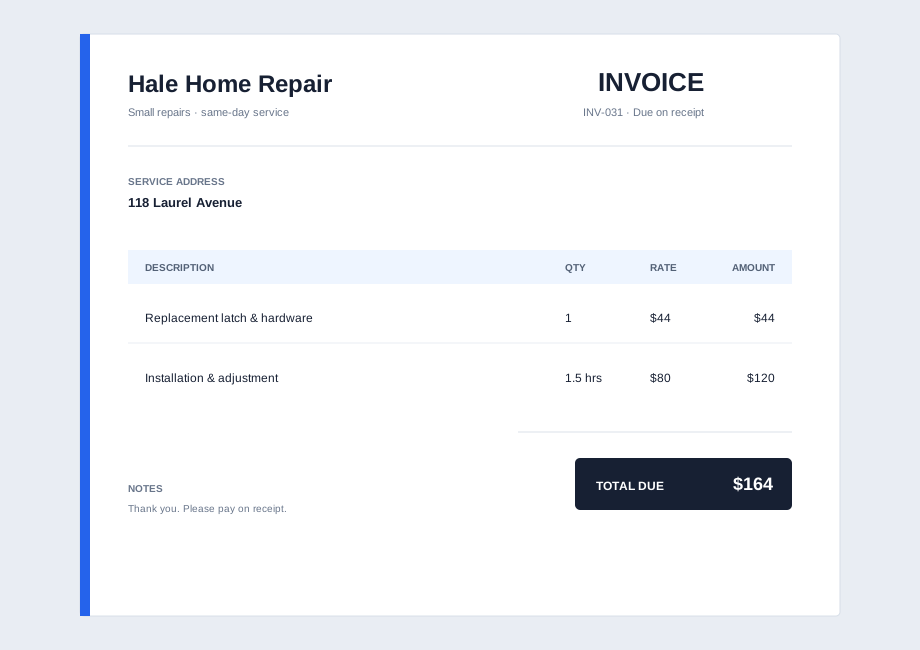
01 / Finished work

Keep a simple job simple.

For a completed repair, call-out or fixed scope: name the work, show the price, state the due date.

  • Client + job reference
  • Clear work line
  • Total + terms
Standard Contractor Invoice
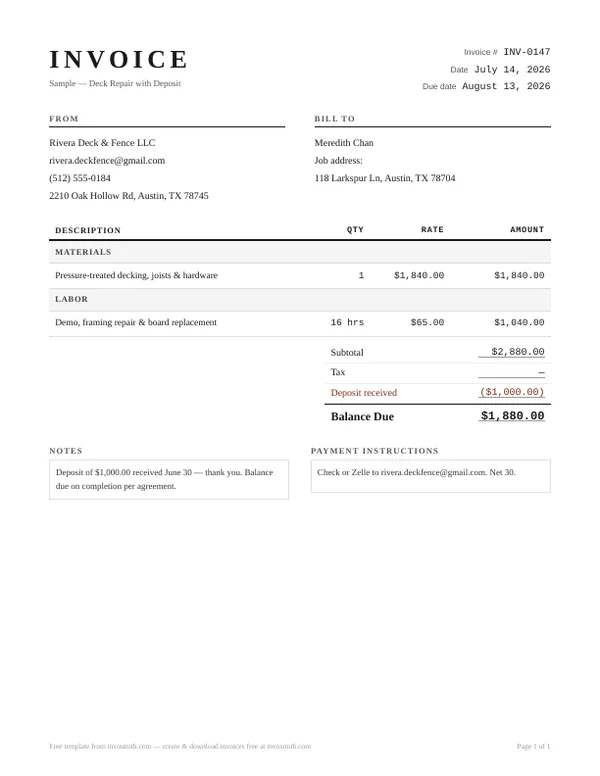
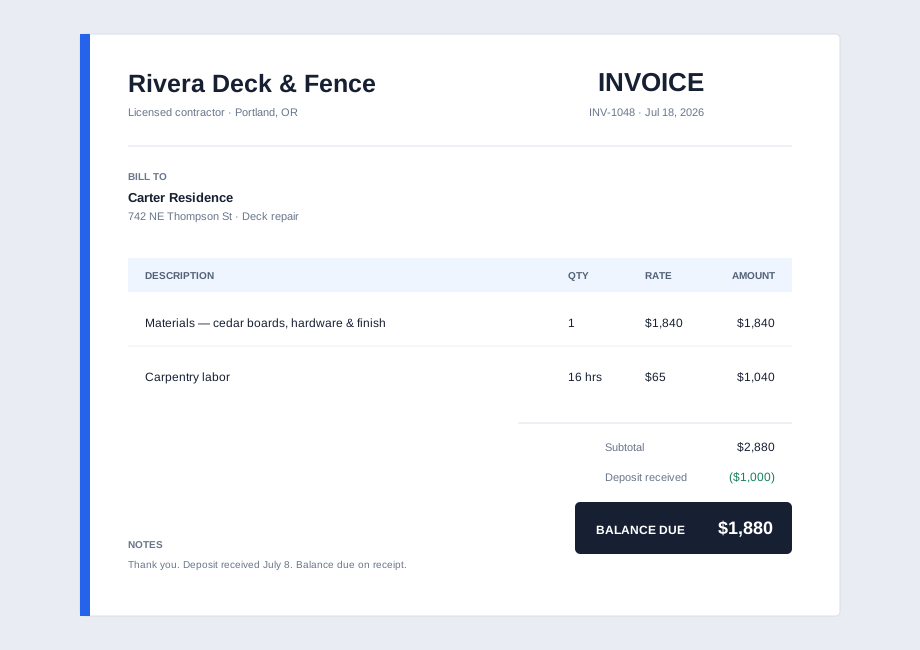
02 / Deposit credited

Make the balance obvious.

Use a separate deposit line when money has already changed hands, so the client can see what remains.

  • Original amount
  • Deposit received
  • Balance due
With deposit & balance due
03 / Open-book work

Show what the job is made of.

Use separated labor and materials when the work, receipts or customer conversation need that detail.

  • Labor hours + rate
  • Materials
  • Other job costs
Materials + labor split
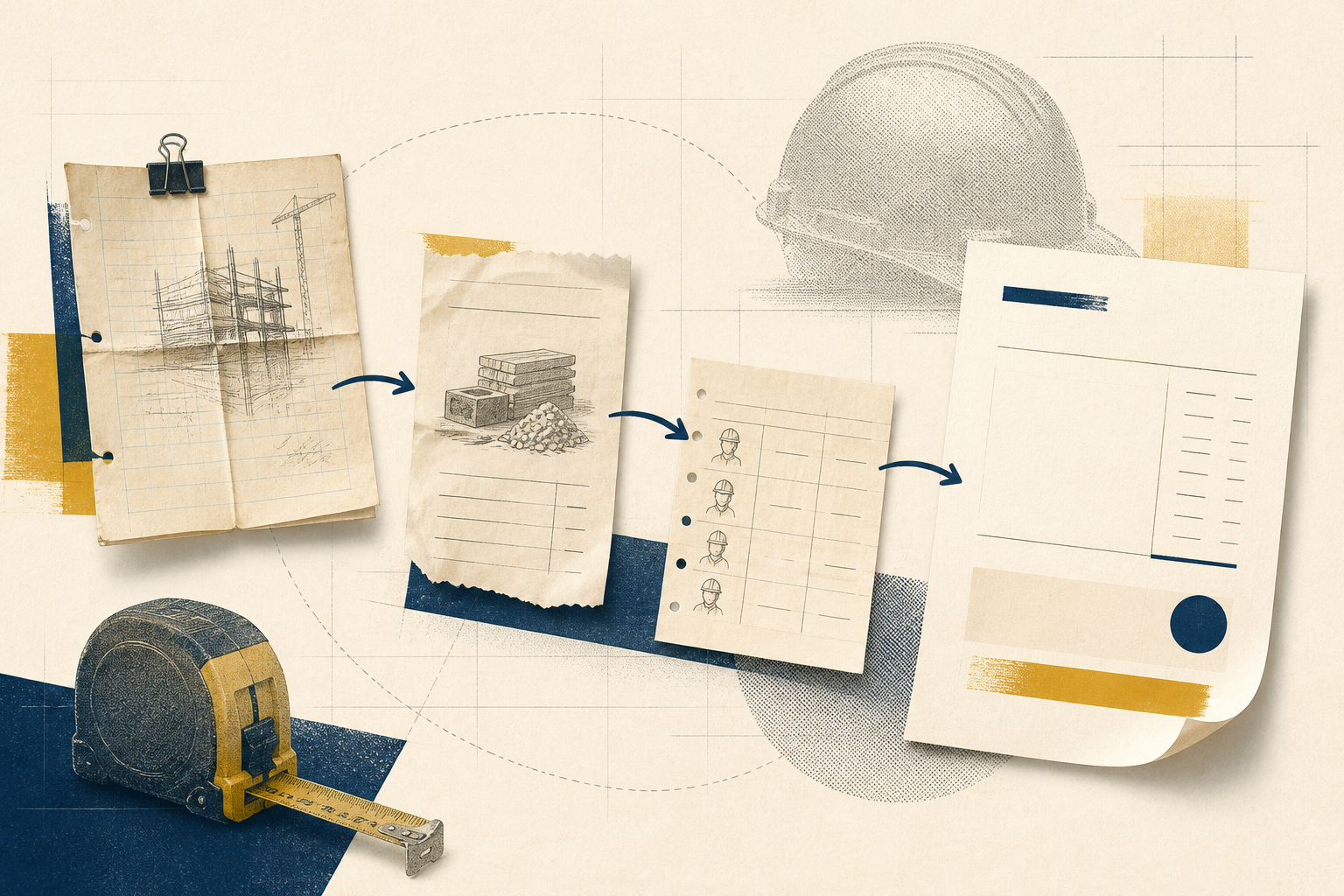
Illustration of job notes, materials and labor records becoming a clear contractor invoice
YOUR INVOICE IS A RECEIPT FOR THE JOB STORY

Make the paperwork match what happened on site.

A useful bill lets someone who was not at the job connect the work, the job reference and the amount due without a follow-up call. Start with the contractor and client details, then add the service, materials or labor detail that explains the total.

  1. Identify the job. Add the client, site or job reference, invoice number and date.
  2. Name the work. Describe the completed service in language the client will recognize.
  3. Show the math. Keep the total, any credit for a deposit, and payment instructions easy to find.
FIELD GUIDE

What a contractor invoice should include — and why.

A contractor invoice is more than a total at the bottom of a page. It is the short, checkable record that connects the job, the work and the payment request. These are the fields worth considering before you send it.

Not every job needs every detail. Add contract, tax, licence, signature or other registration fields only when your agreement, client process or local requirements call for them.

FieldWhat it does
Your business detailsTells the customer who issued the bill and where to send a question or payment.
Client + job referenceConnects the invoice to a customer, service address, work order, PO or approved quote.
Invoice number + datesGives both sides a stable reference and makes the due date easy to locate.
Work descriptionNames the completed service in terms the customer can recognize and approve.
LaborShows the role, hours and agreed rate when time needs to be visible.
Materials + other costsExplains supplied items, quantities and job costs when they help explain the charge.
Deposit or prior paymentCredits money already received so it is not confused with a new charge.
Total + payment instructionsShows the amount that remains due and how the client should respond.
DEPOSIT → COMPLETED WORK → BALANCE

When a deposit exists, don’t bury it in the total.

The deposit-and-balance template gives the earlier payment its own place. That makes the remaining amount visible on the final bill without turning an ordinary contractor invoice into a progress claim.

Download deposit template (PDF)
Editorial illustration showing an initial deposit, job in progress and final balance
A SHORT BILL CAN STILL BE SPECIFIC

Use the detail that earns trust — and stop there.

For a materials-and-labor job

Separate sections are useful when the customer needs to see what was supplied and what time was worked.

  • Labor: role or description, hours, rate and amount
  • Materials: description, quantity and amount
  • Other job costs: add only when they help explain the bill
Download materials + labor (Word)
Example contractor invoice with separate materials, labor and deposit details
FROM FIELD QUESTION TO CLEAR BILL

The questions this template is designed to answer.

These practical checks come from the page’s contractor, homeowner and bookkeeper query set. They are included here as on-page guidance, not as claims about a universal legal or accounting rule.

01

What should a client be able to check before approving the bill?

They should be able to match the supplier, client, job reference, work performed, amounts, earlier payments and balance due. If a purchase order, work order or approved quote exists, include that reference when it helps their approval process.

02

Should labor, materials, permits and subcontractors be separate?

Separate them when the agreement, receipts or customer conversation needs that level of detail. A small fixed-price repair can stay short; a job with supplied materials or several contributors is usually clearer when the source of each charge is visible.

03

Where do change orders belong?

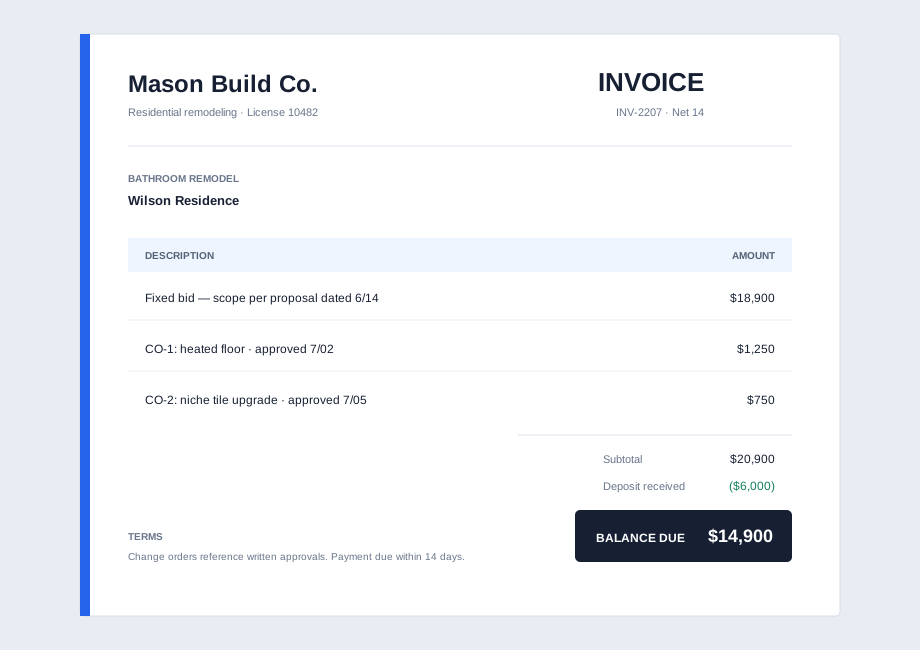
Keep an approved extra as its own clearly named line or reference instead of blending it into the original scope. An invoice records what is being billed; it does not replace the record that approved the changed work.

04

What does a property manager or bookkeeper need to match it?

Use the fields their process recognizes: property or job address, work order or PO when one exists, invoice identifier, issue date, and a reference to the original agreement or quoted work.

05

When is a blank template enough, and when is software useful?

A blank PDF or Word template is a practical starting point for a one-off, self-contained bill. Use a workflow with records and follow-up when you need repeated invoicing, a shared approval process or a running payment history.

06

When is this the wrong template?

Move to construction billing when the invoice has to track stages, percentages complete, prior claims, a schedule of values or retained amounts. Those needs are not extra fields on a simple contractor invoice; they change the billing structure.

DIFFERENT JOB, DIFFERENT BILLING LANGUAGE

Need progress claims, approved changes or retainage?

Those belong on the construction invoice hub, where the formats track contract value, work completed, previous claims and withheld amounts.

Explore construction invoice templates
PRACTICAL ANSWERS

Contractor invoice questions

What should a contractor invoice include?

Include your business and client details, the job or site address, an invoice number and date, a clear work description, materials and labor line items, payment terms and instructions, any contract or PO reference, credits or deposits received, and the balance due. Add license or tax details when the applicable jurisdiction, client or contract requires them.

How do I invoice for a deposit as a contractor?

Show the original amount, then show the deposit already received as a credit so the remaining balance is visible. Keep the invoice consistent with the agreed contract and payment record.

Is a contractor invoice different from a construction invoice?

A contractor invoice is usually a direct payment request for a defined trade job, with ordinary labor, materials, deposits and a balance due. A construction invoice is the better fit when the bill tracks stages, completed percentages, prior claims, retainage or a schedule of values. Use the [construction invoice template](/templates/construction-invoice) for that progress-billing structure.

Templates are a practical starting point, not legal, tax or compliance advice. Confirm the fields, terms and records your contract, client and local requirements call for.