Templates
Free invoice templates — plus the receipts, quotes and delivery notes that go with them
Invosmith has 72 free business document templates: invoices for 32 trades, receipts, quotes and estimates, purchase orders, delivery notes and credit notes. Most download as PDF, Word or Excel, with no sign-up and no watermark — or open any invoice pre-filled in the free invoice generator.
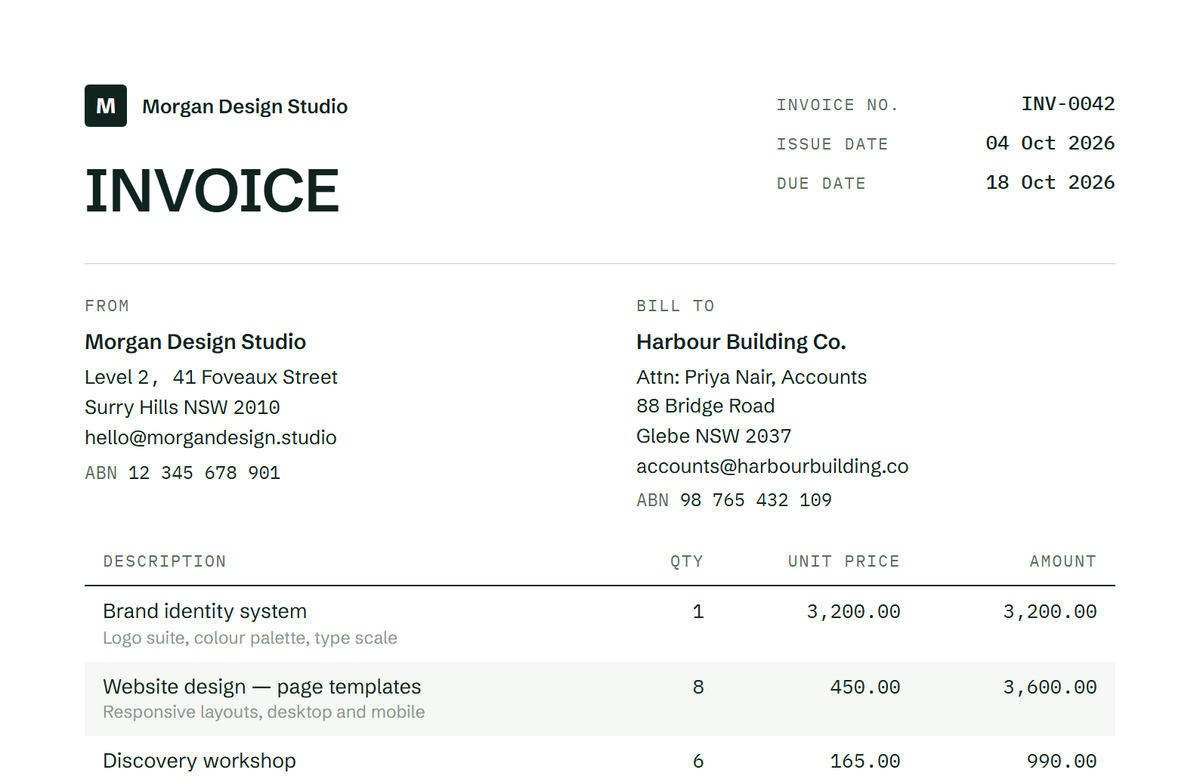

What do you need to send?
Invoices by trade
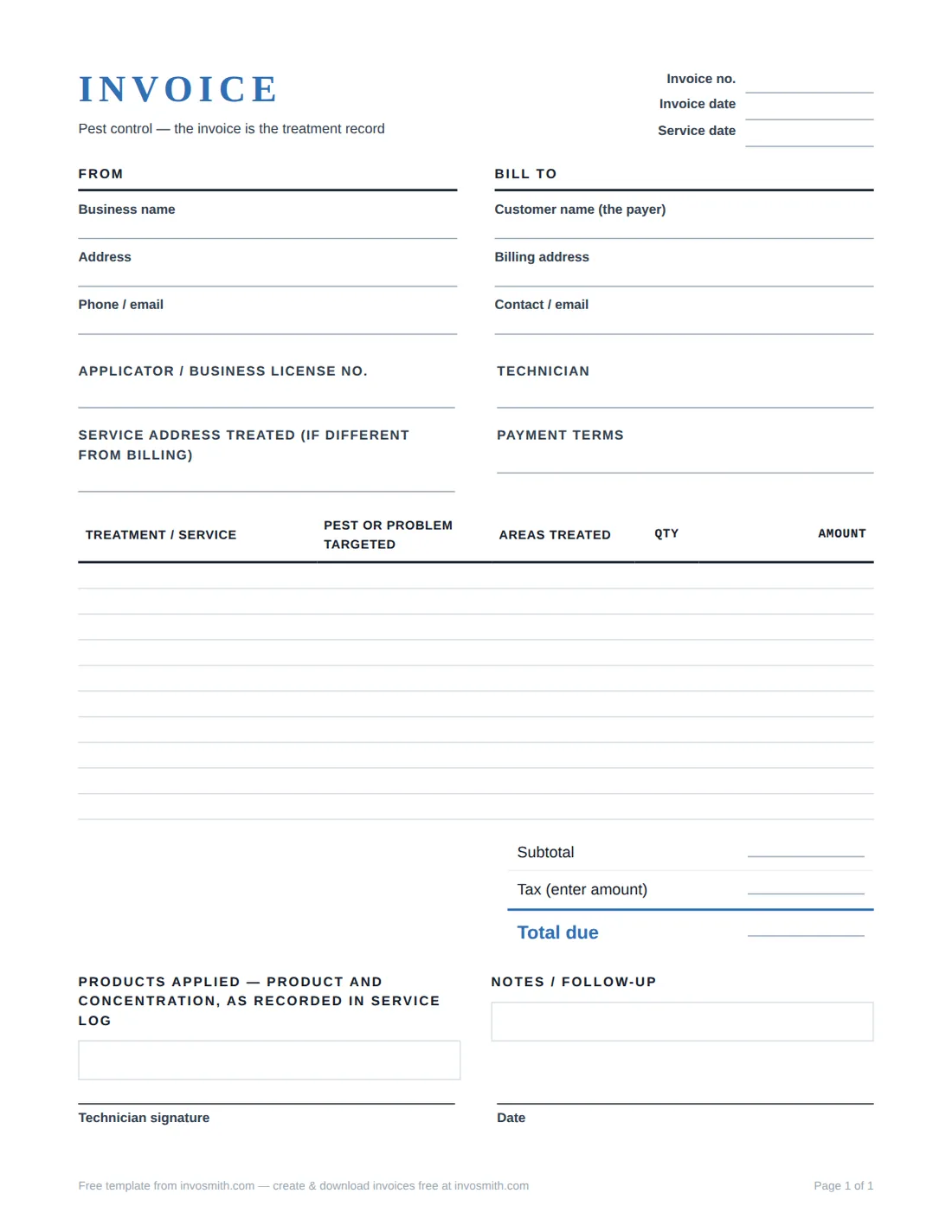
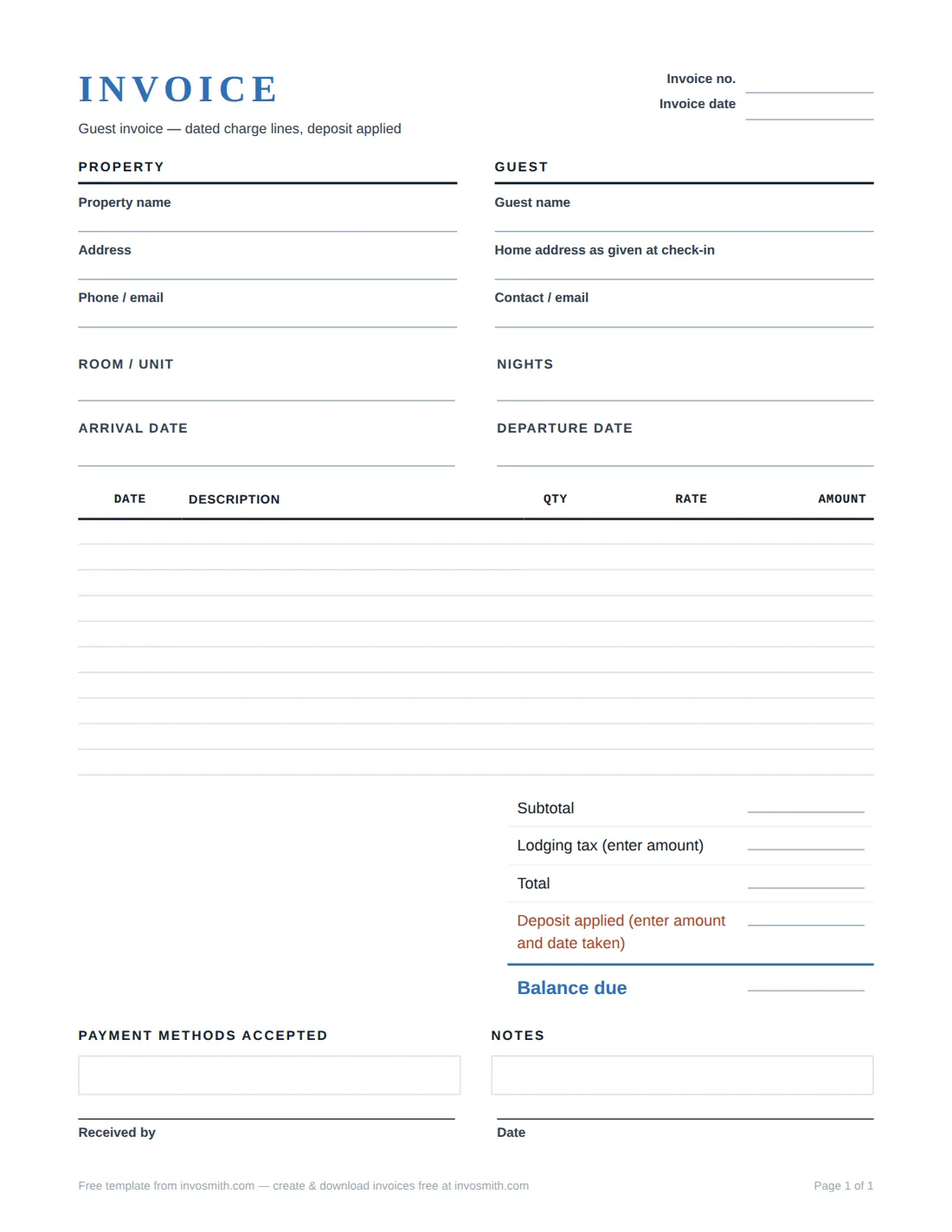
Invoices for contractors, trades and freelancers
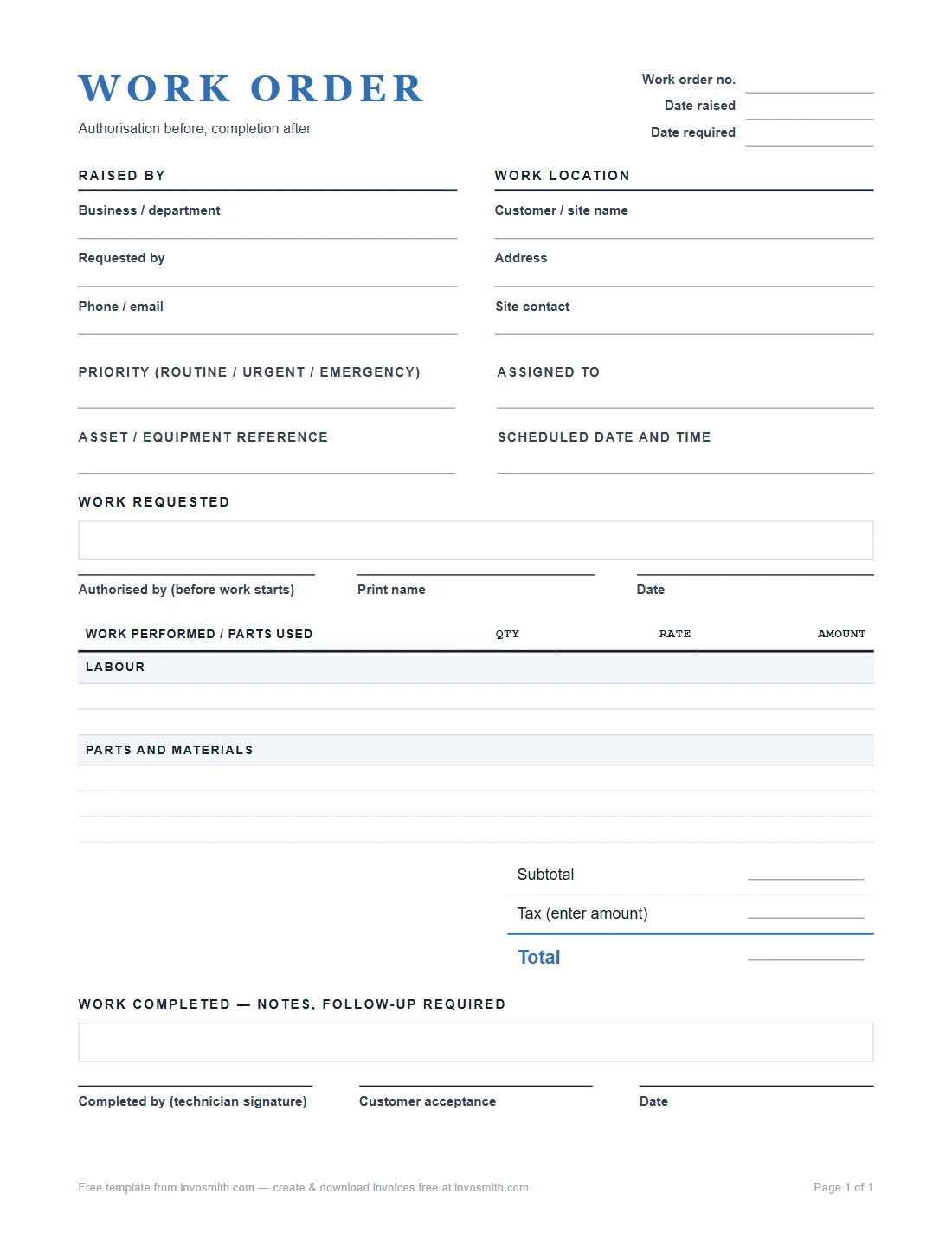
Each trade template already has the lines that trade bills: deposits and progress claims for construction, materials by the square for roofing, call-out fees and parts for plumbing and HVAC, hours and milestones for freelancers. Pick yours, fill the blanks and download — or open it pre-filled in the generator.
Read: how to make an invoice →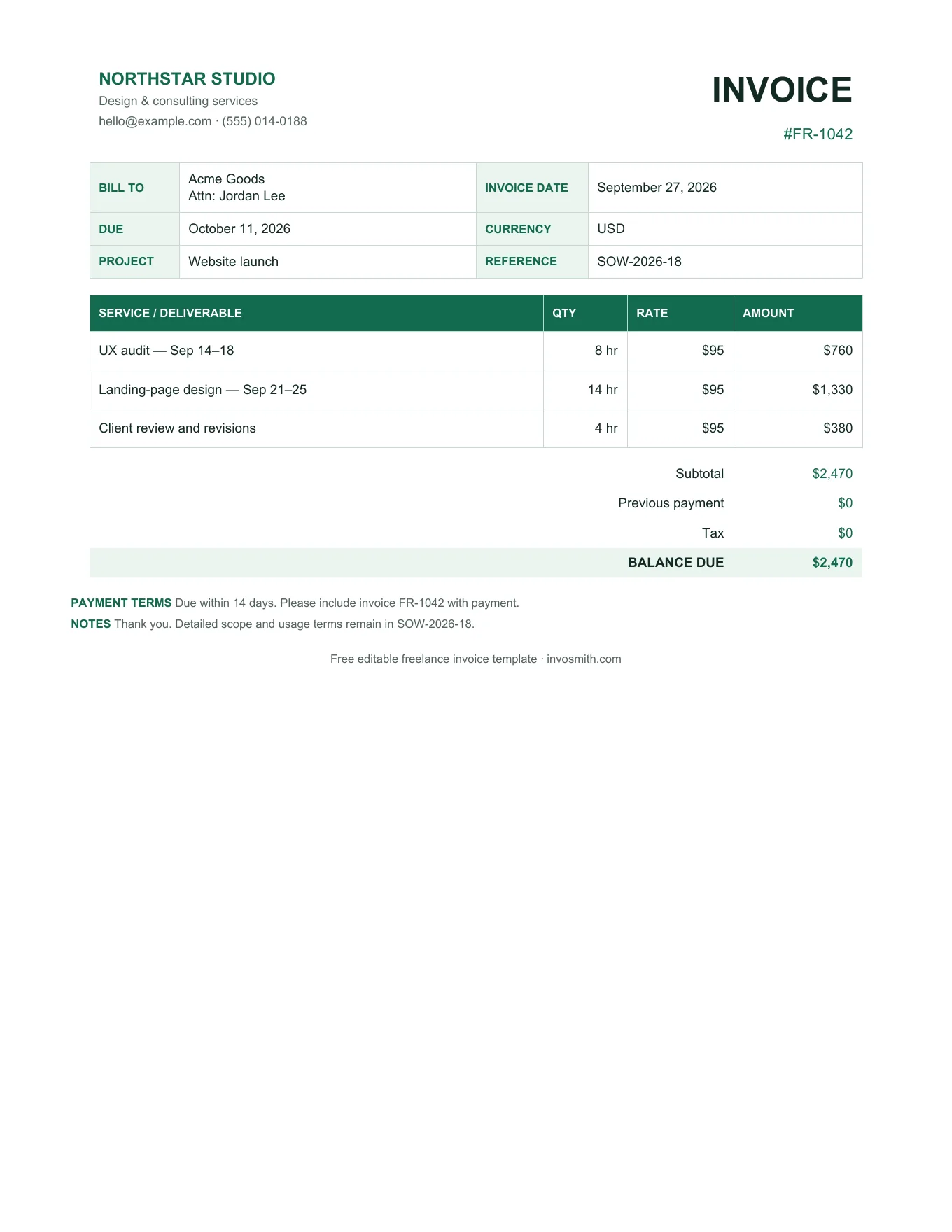
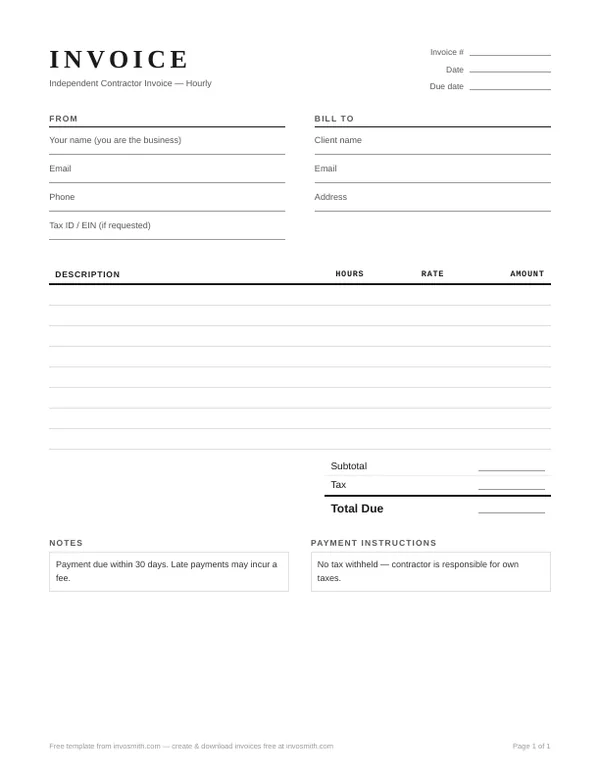
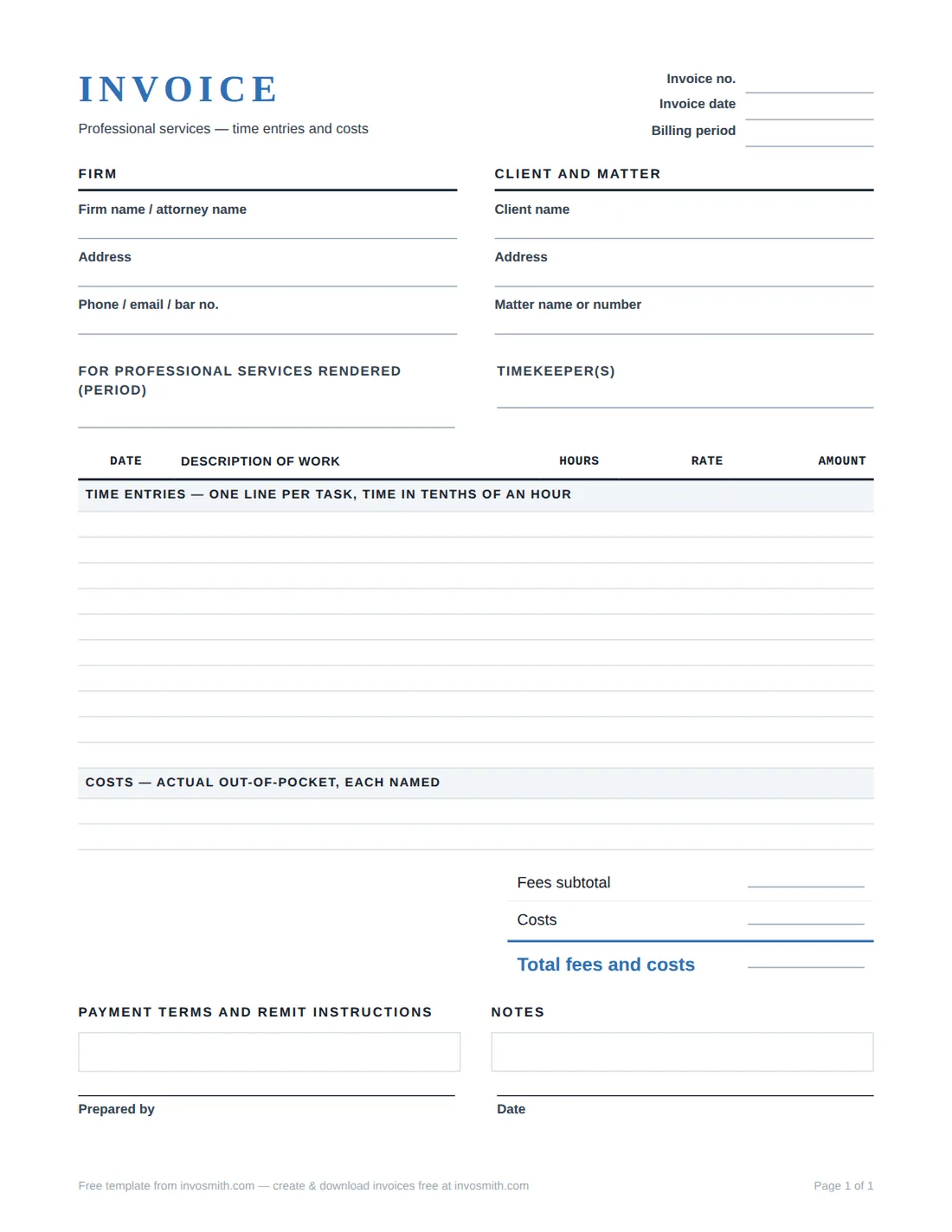
Receipts
Receipts for payments you have received
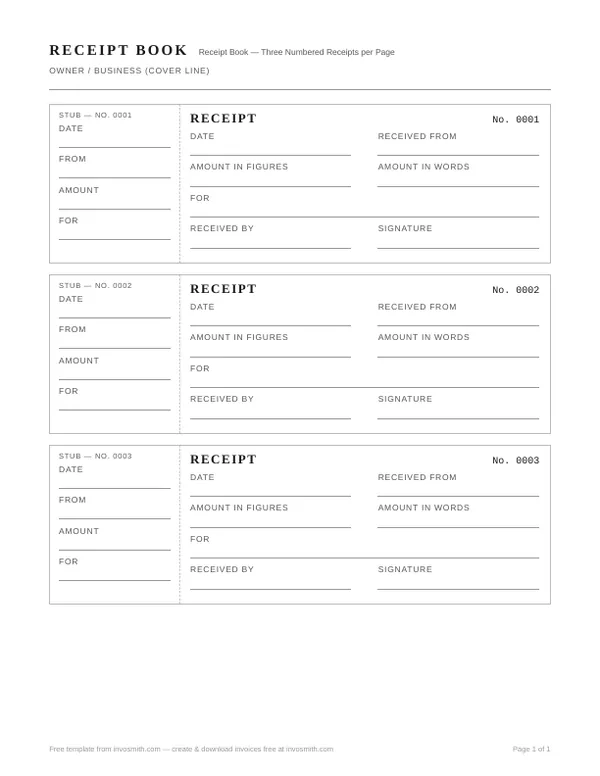
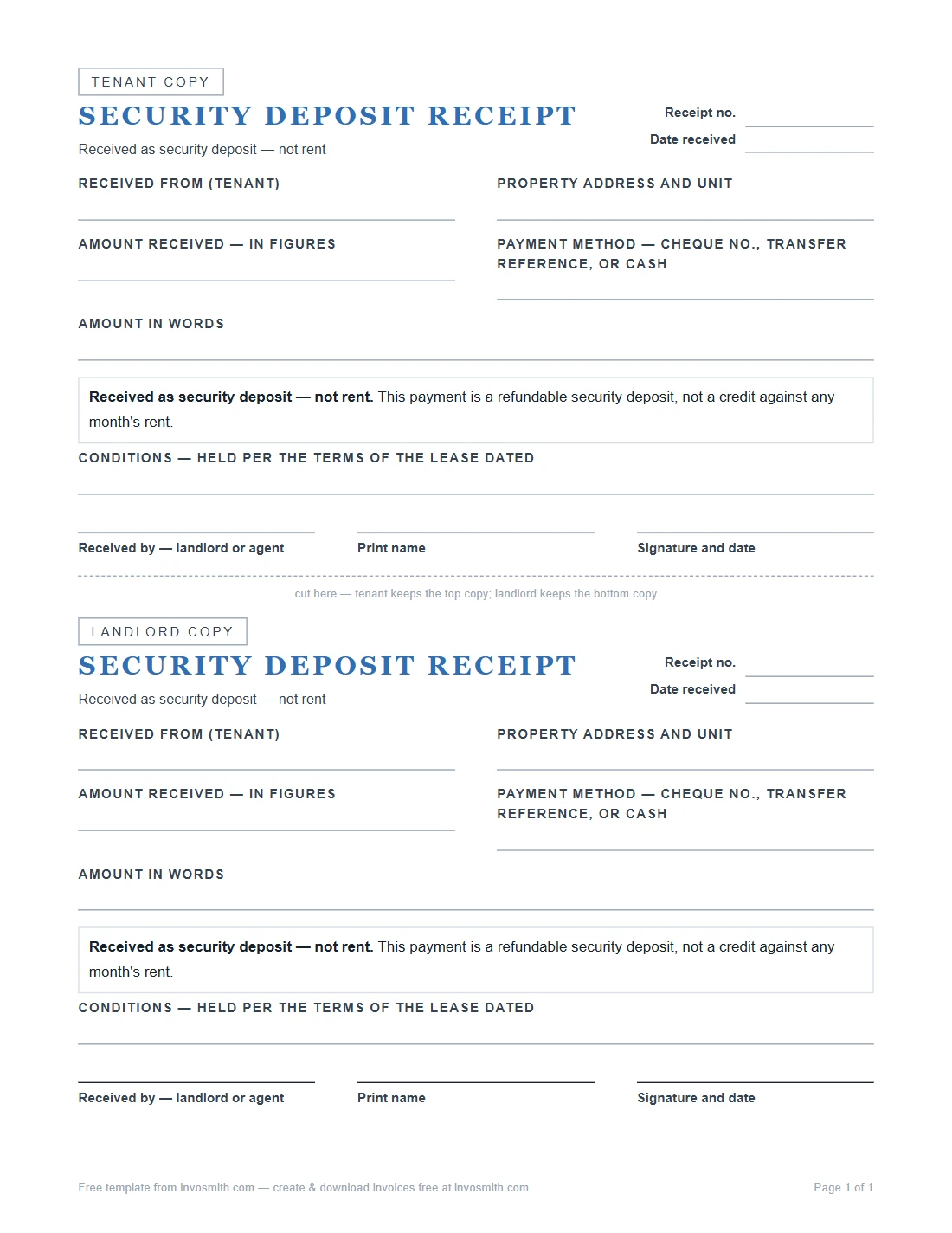
A receipt confirms money changed hands: who paid, how much, how and for what. Use a payment receipt for invoices paid in full or in part, a cash receipt when there is no card record, a rent receipt for tenants, and a receipt book when you hand out numbered paper receipts.
Read: what is an itemized receipt? →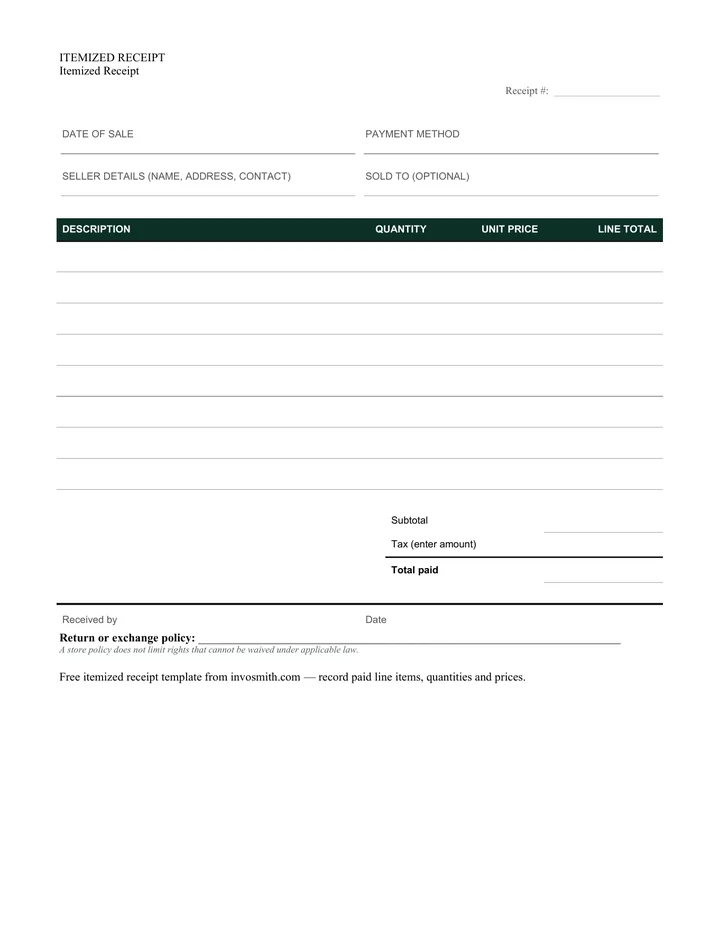
Quotes & estimates
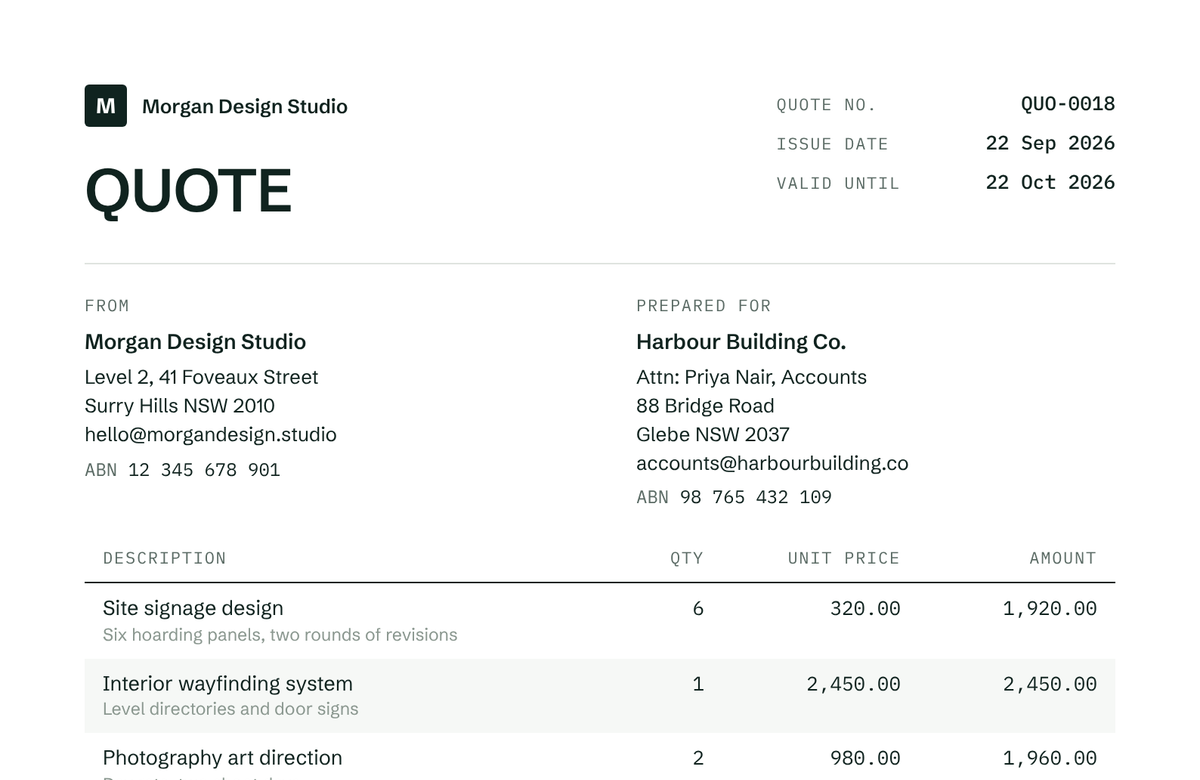
Quotes and estimates before the work starts
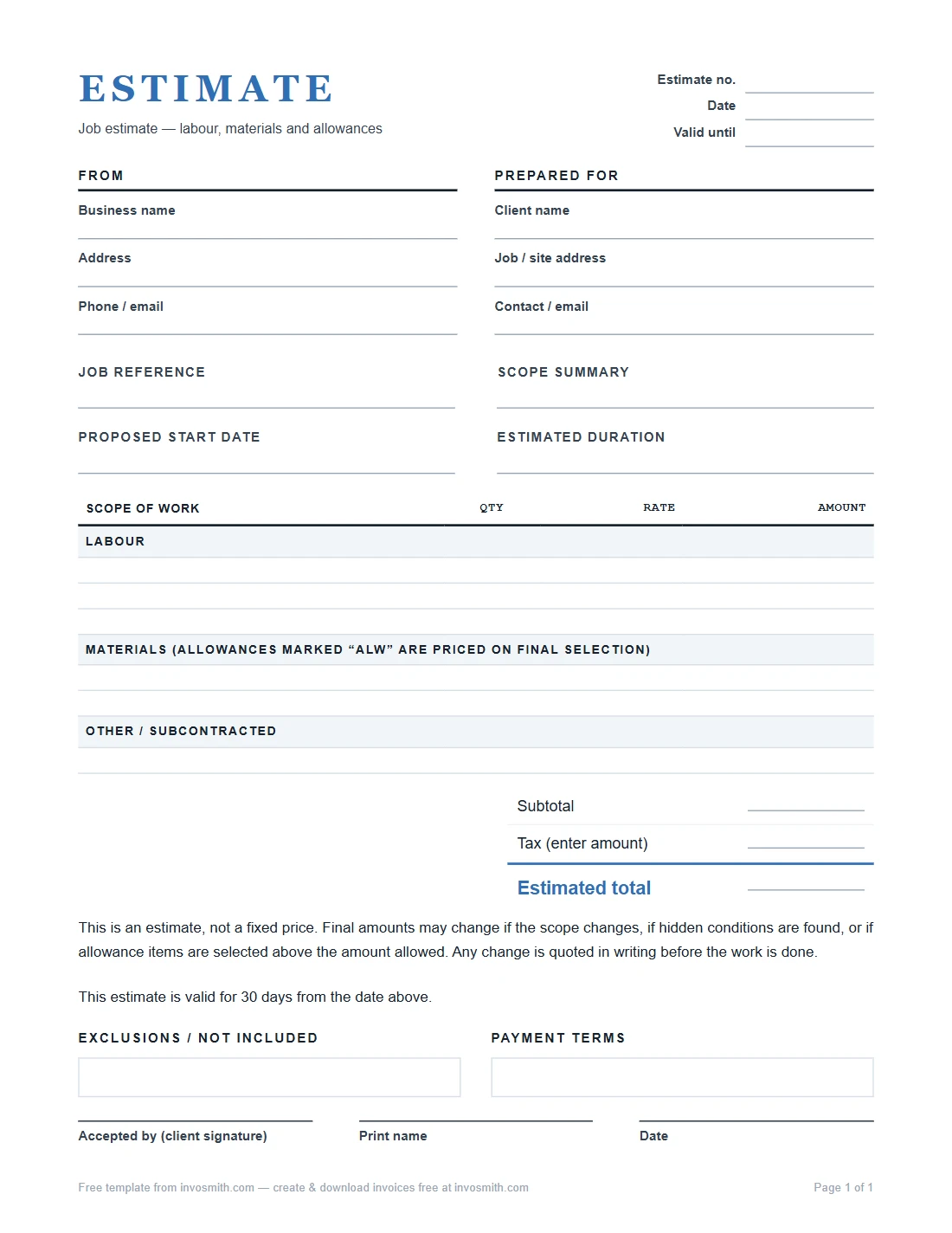
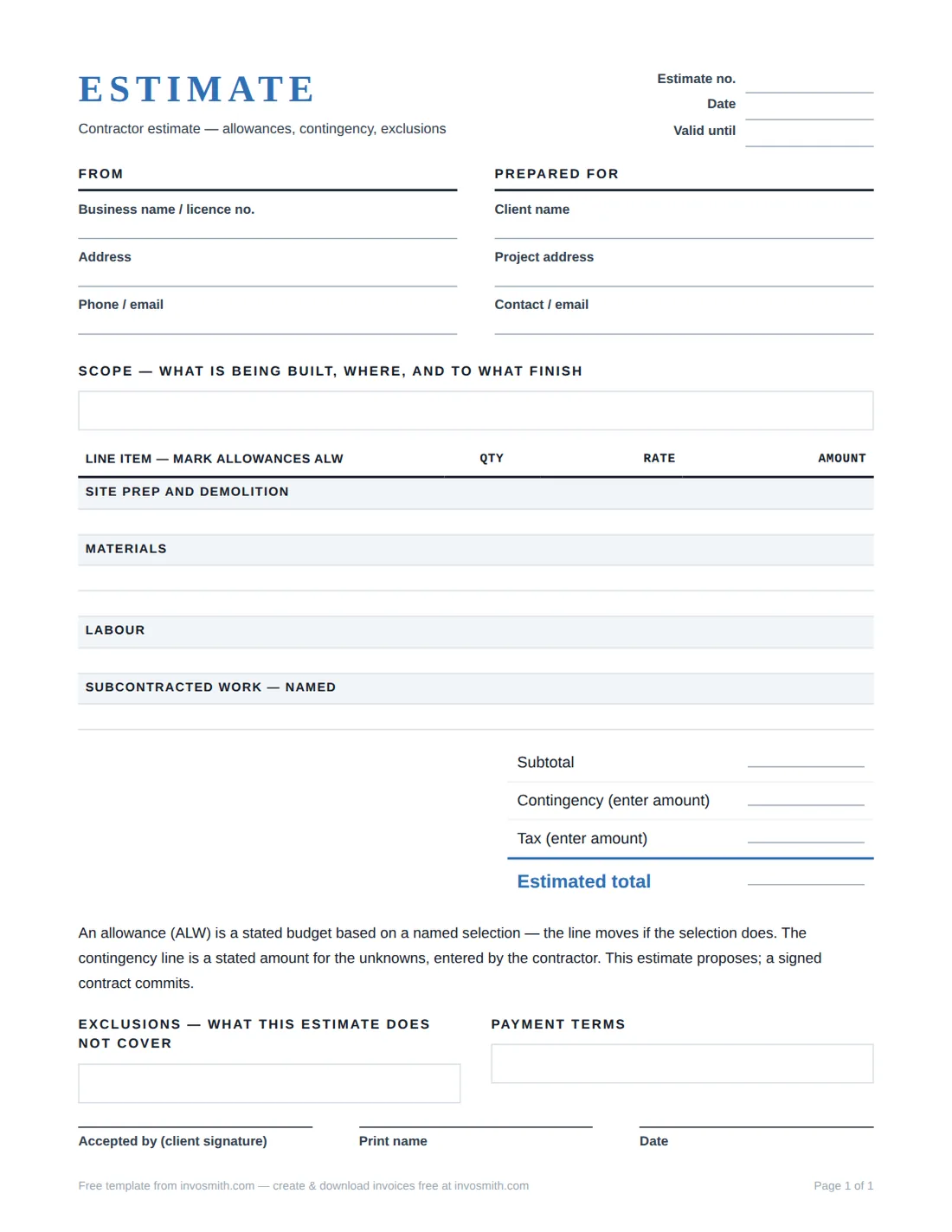
A quote is a fixed price the client can accept; an estimate is your best guess that may change. Both list scope, pricing, exclusions and how long the price is valid. When the client says yes, the same lines become your invoice.
Read: quote vs estimate →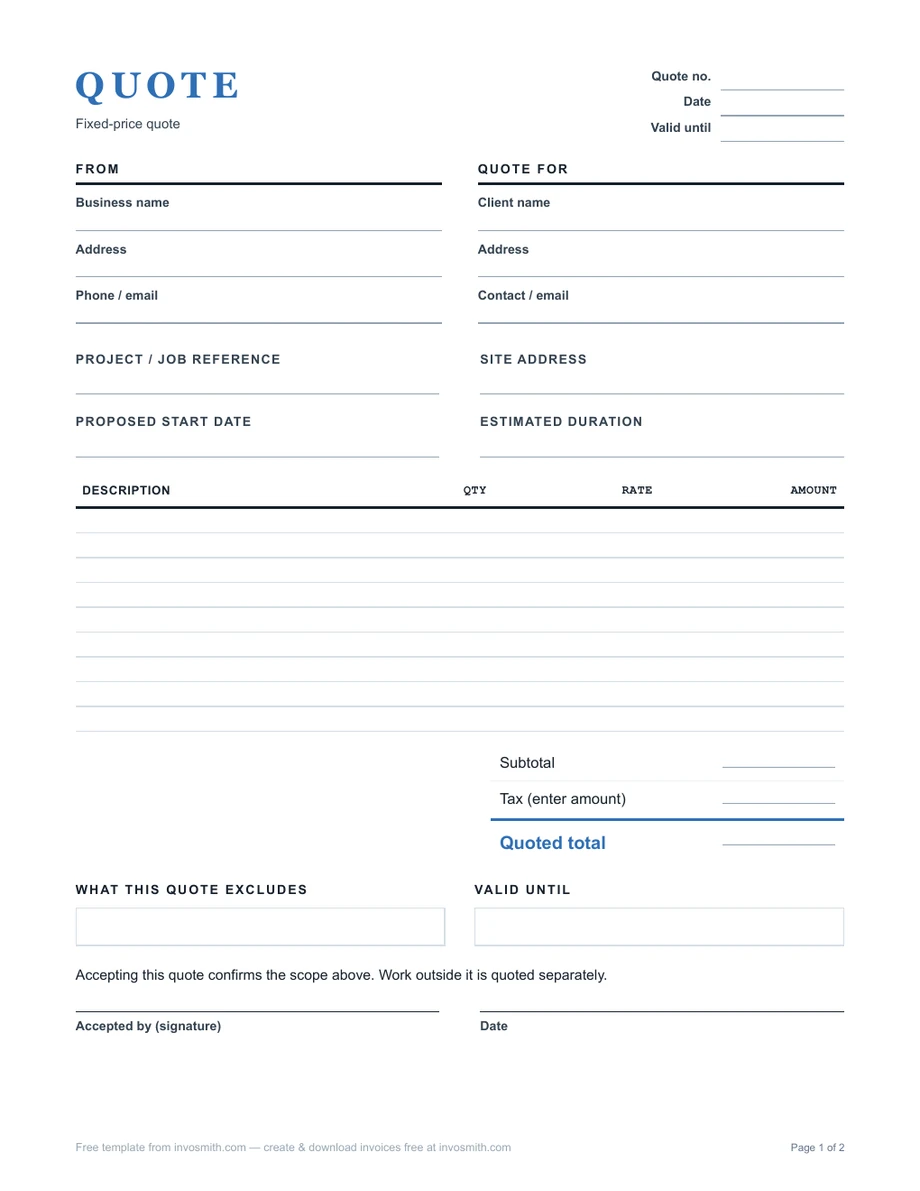
Orders & delivery
Purchase orders, delivery notes and shipping documents
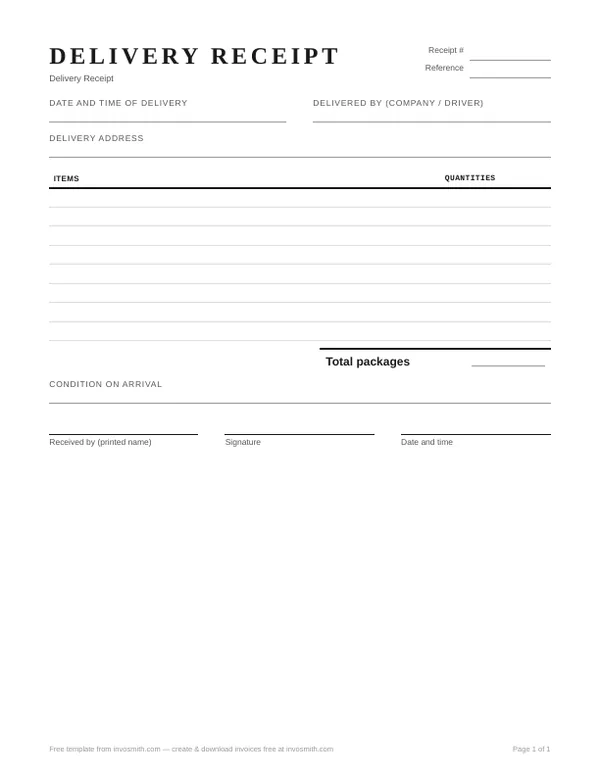
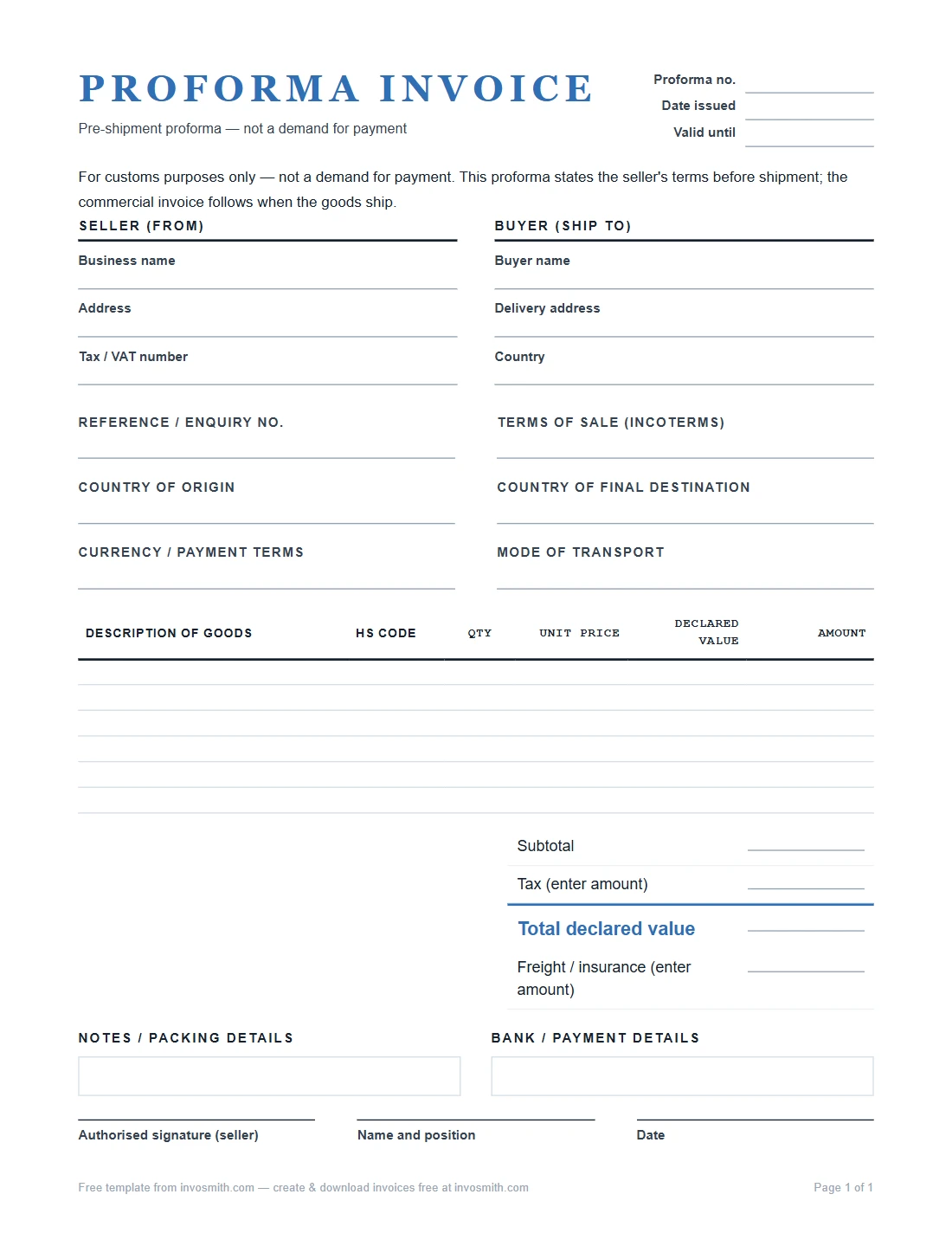
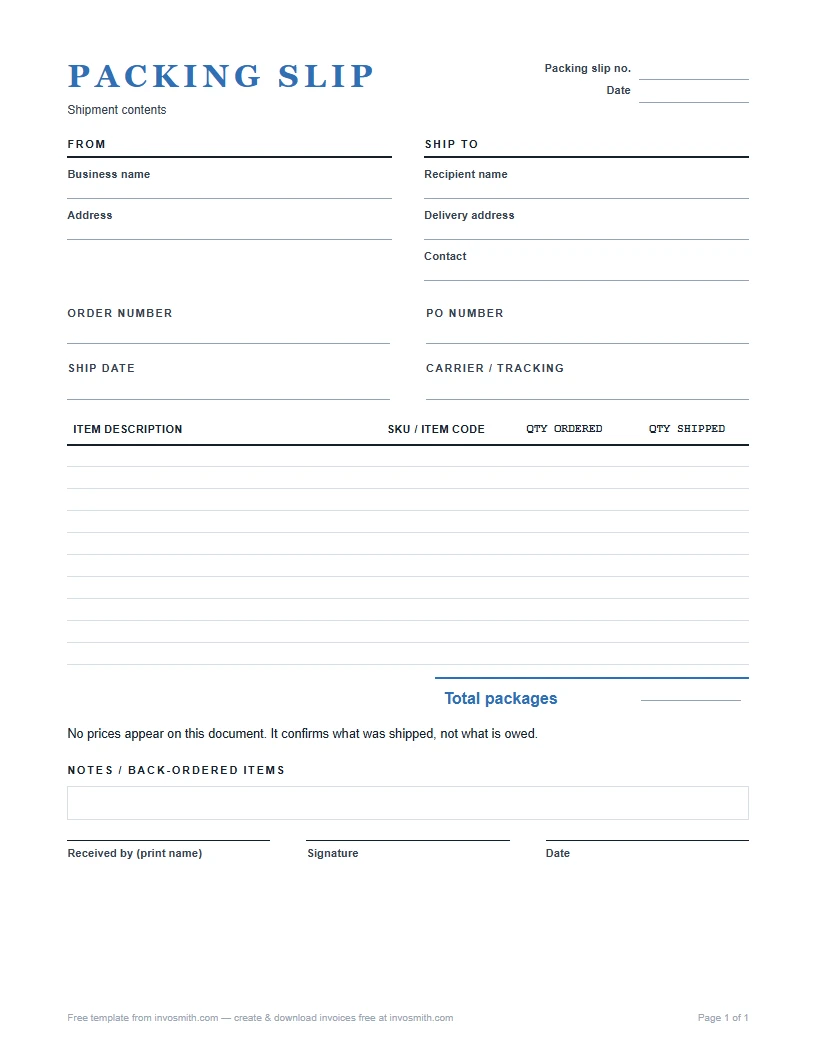
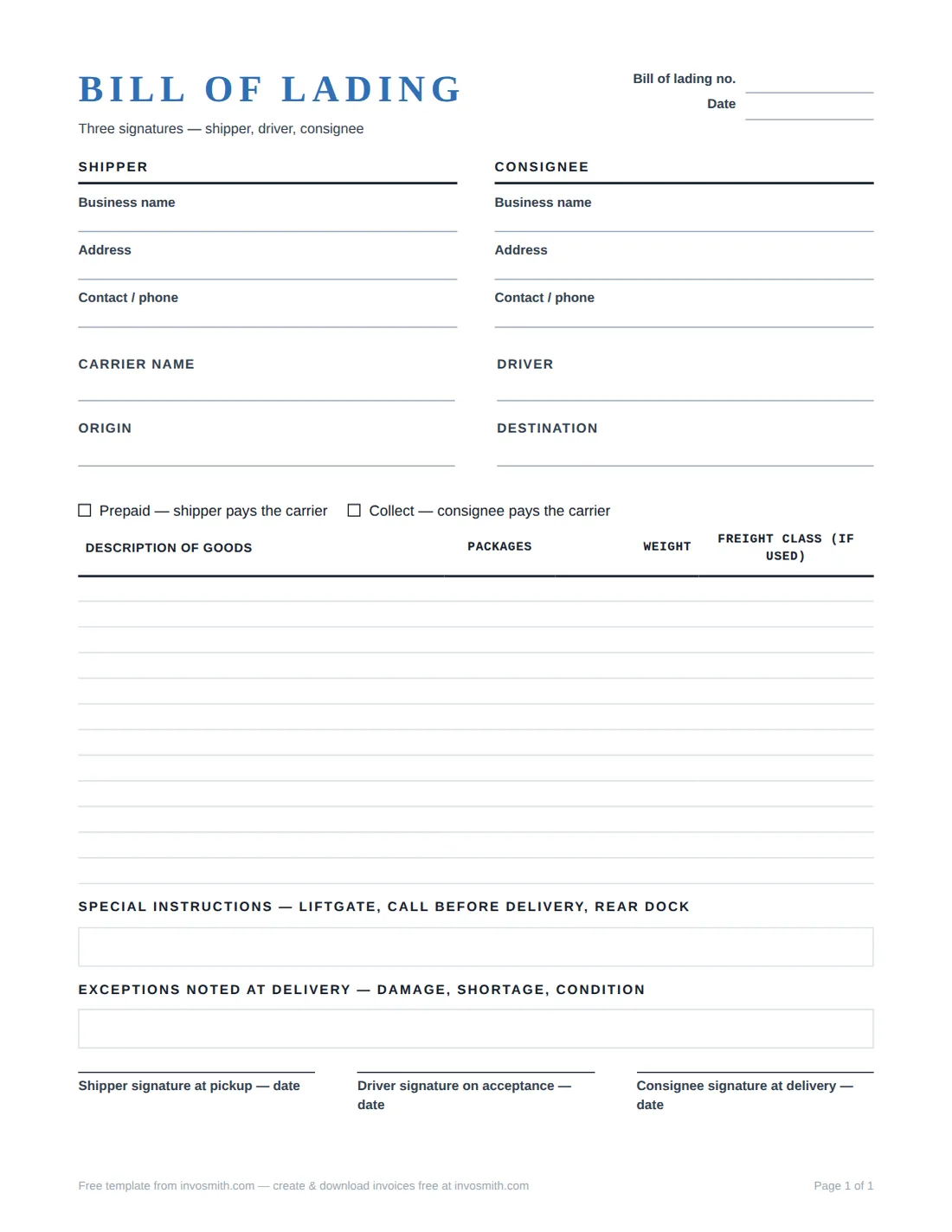
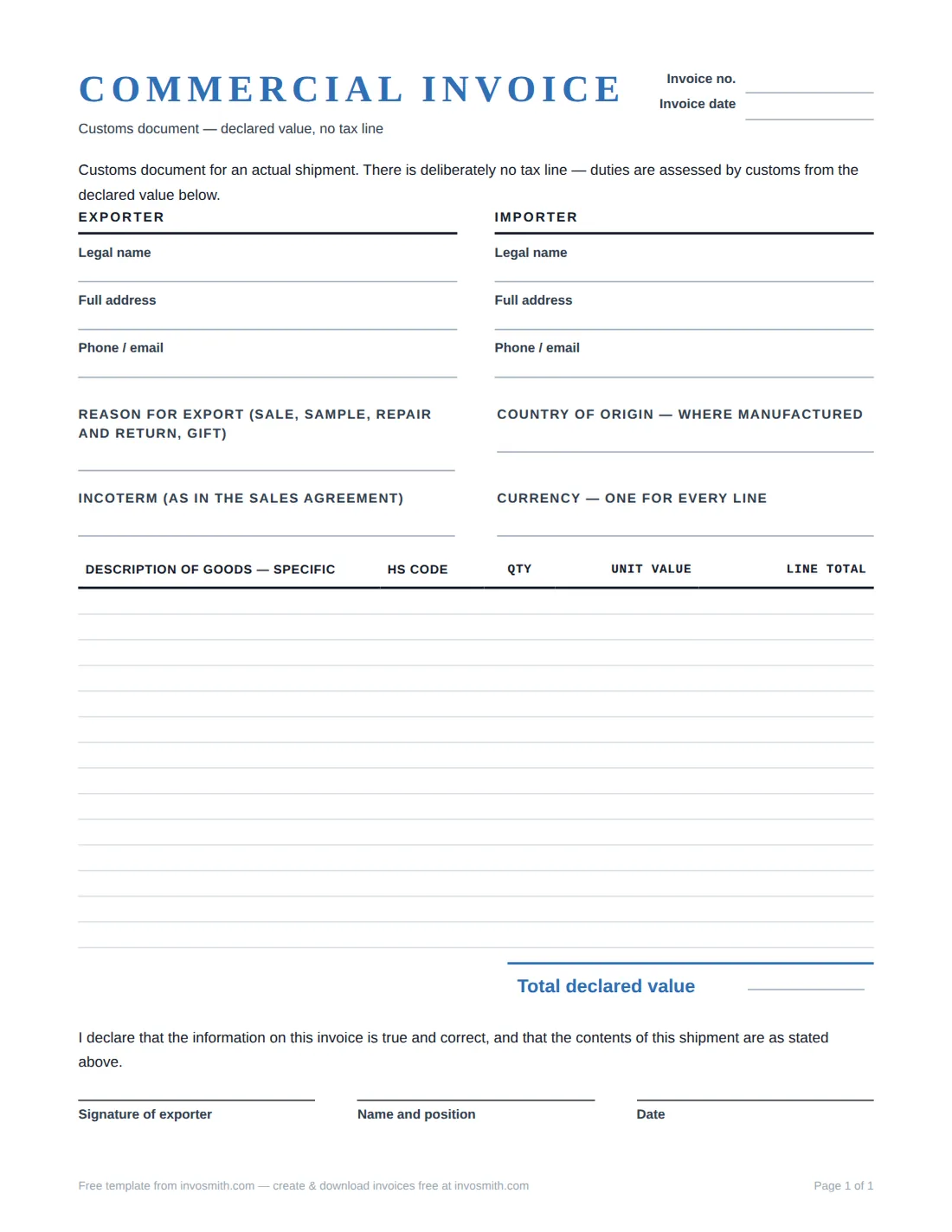
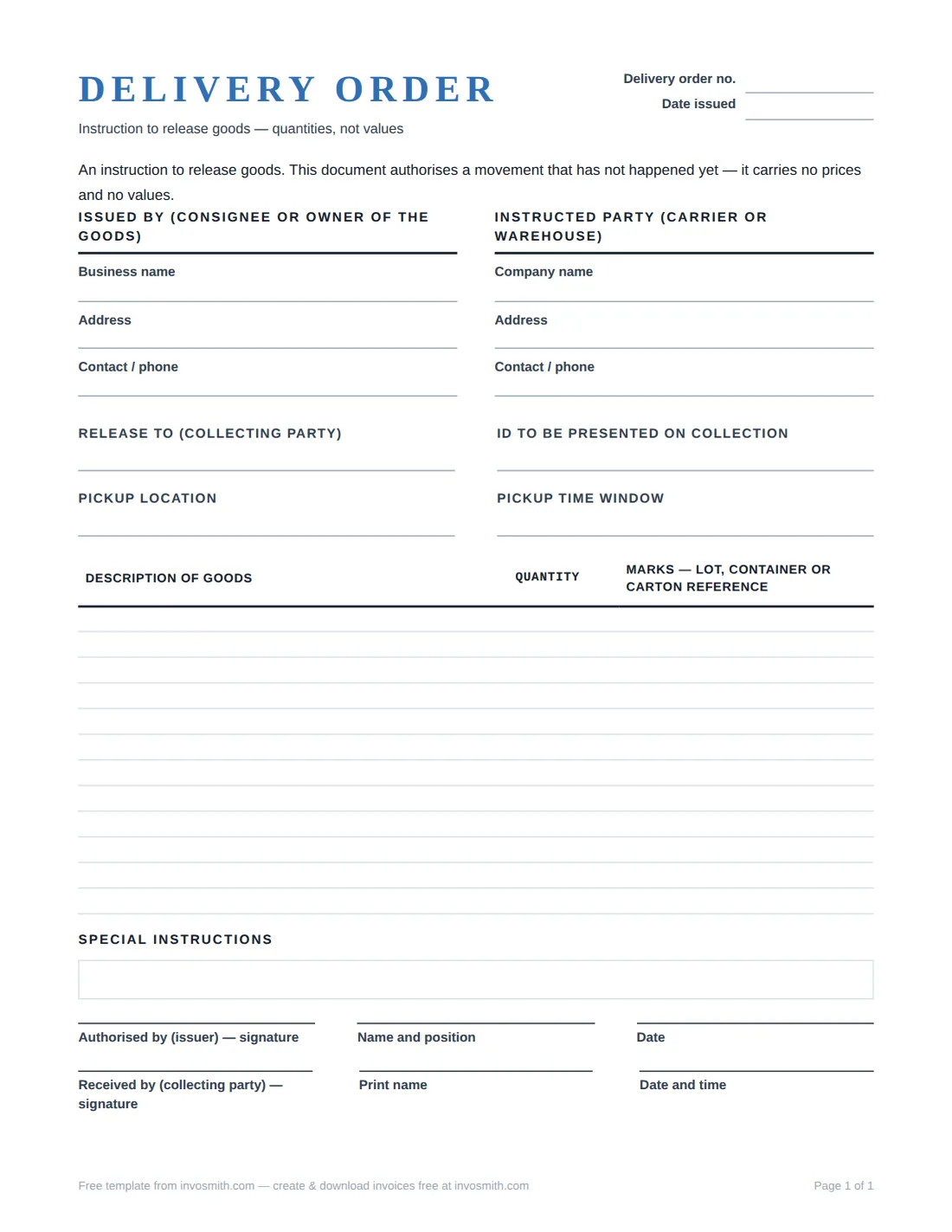
A purchase order is what a buyer sends to order goods; a delivery note or packing slip travels with the goods and gets signed on arrival; a bill of lading and commercial invoice cover freight and export. Match all three to your invoice and disputes get short.
Read: purchase order vs invoice →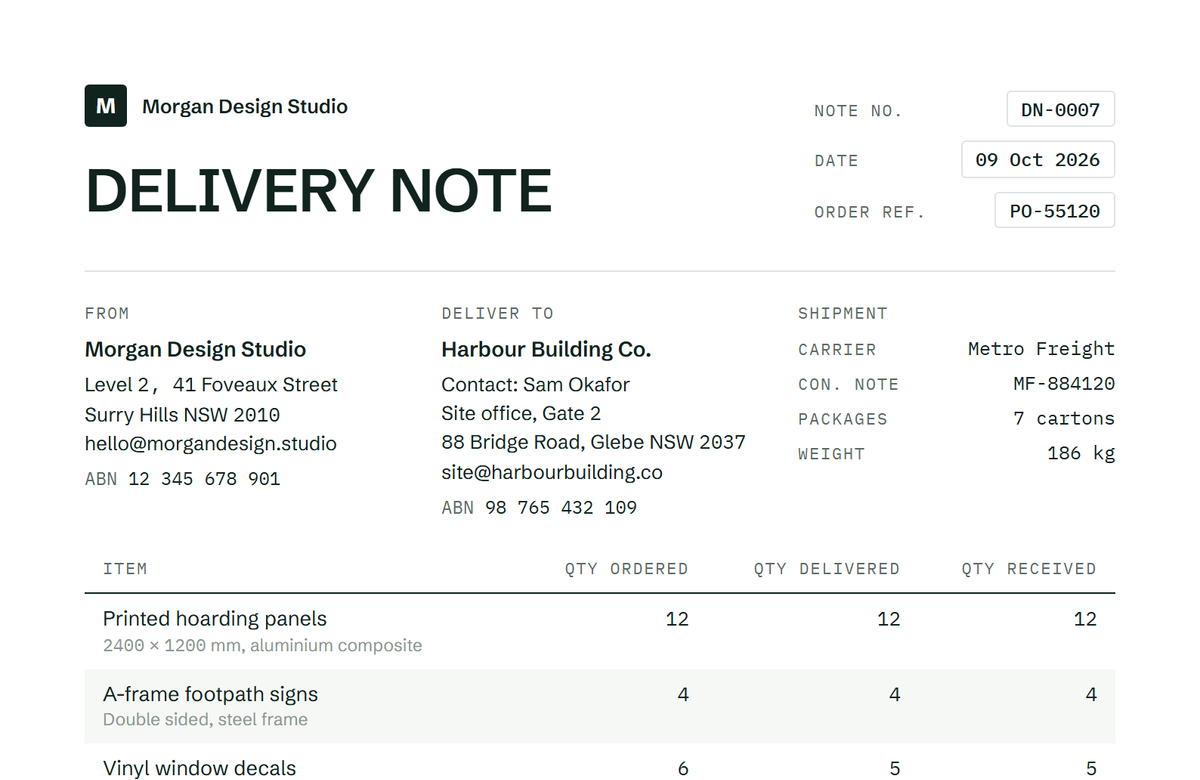
Credits & statements
Credit notes, debit notes and statements
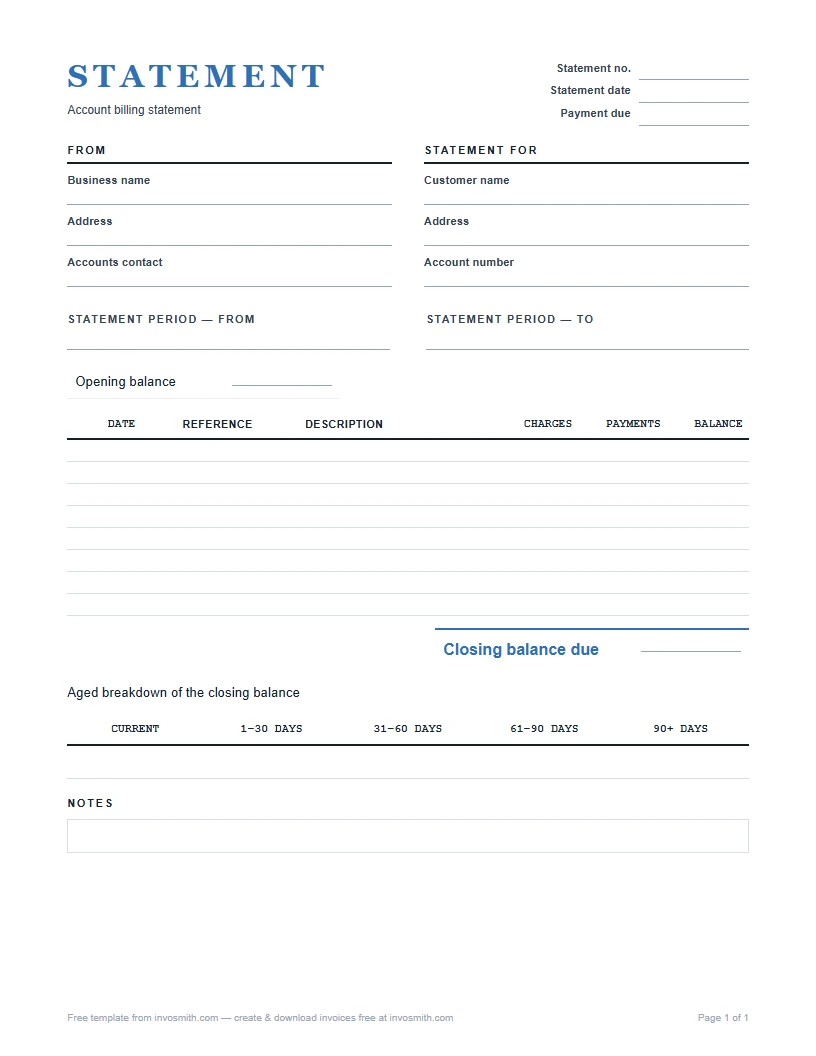
Use a credit note to reduce or cancel an invoice you already sent, and a debit note to add a charge to it. A statement of account lists every open invoice and payment for one client, so they can see their balance in one place.
Read: what is a credit invoice? →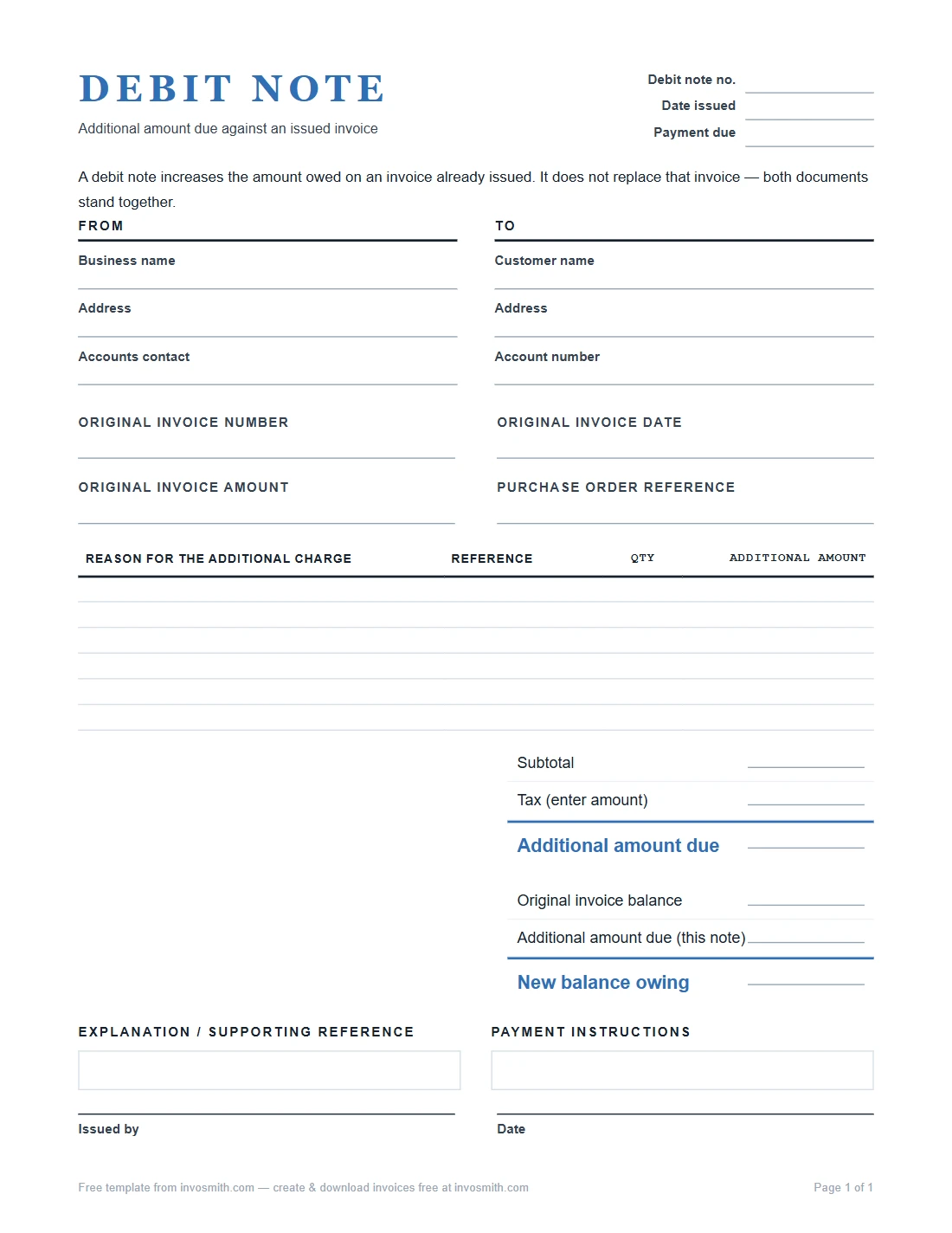
By format
Word, Excel and Google templates
Prefer to work in the program you already use? These versions keep their formulas and layout: totals calculate in Excel and Google Sheets, and the Word and Google Docs files stay editable.
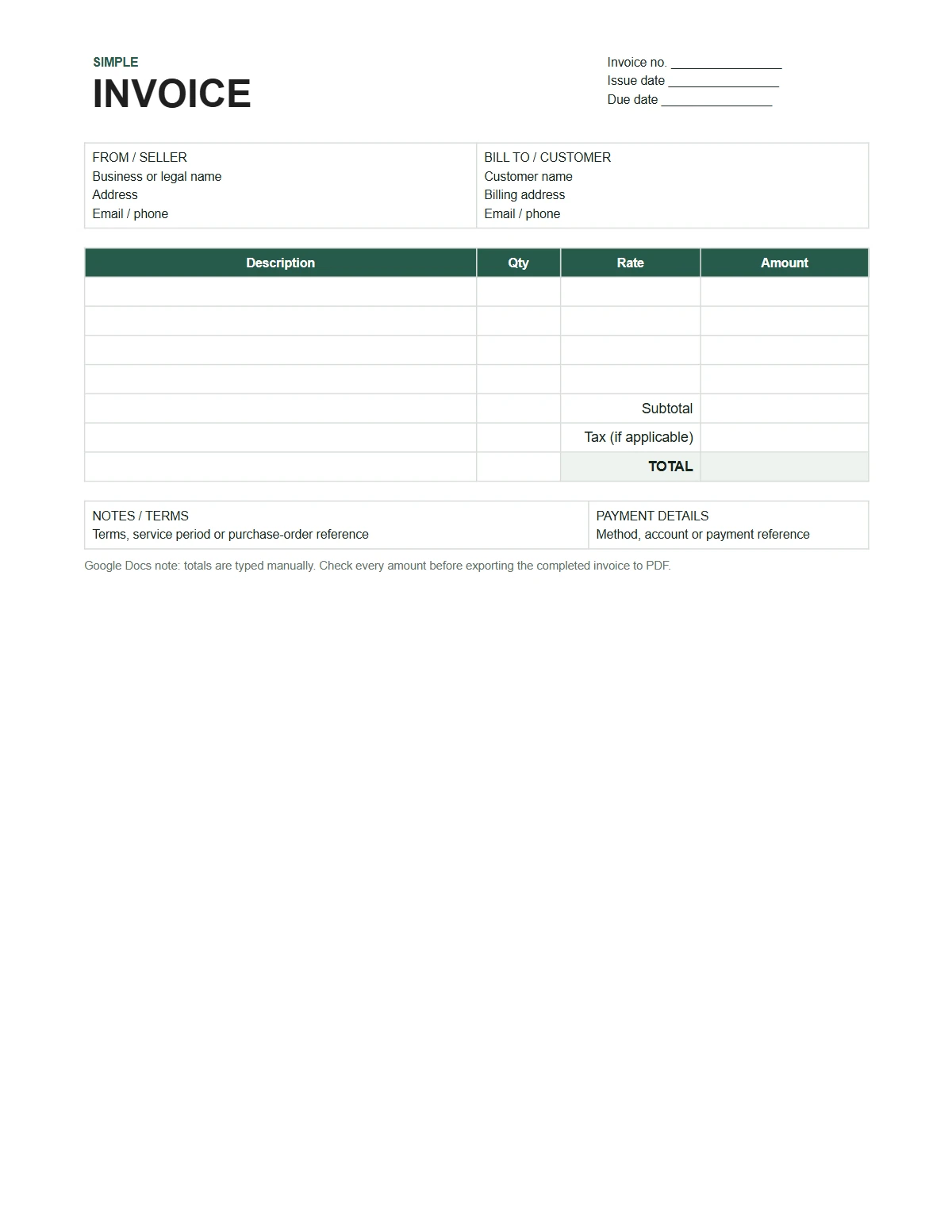
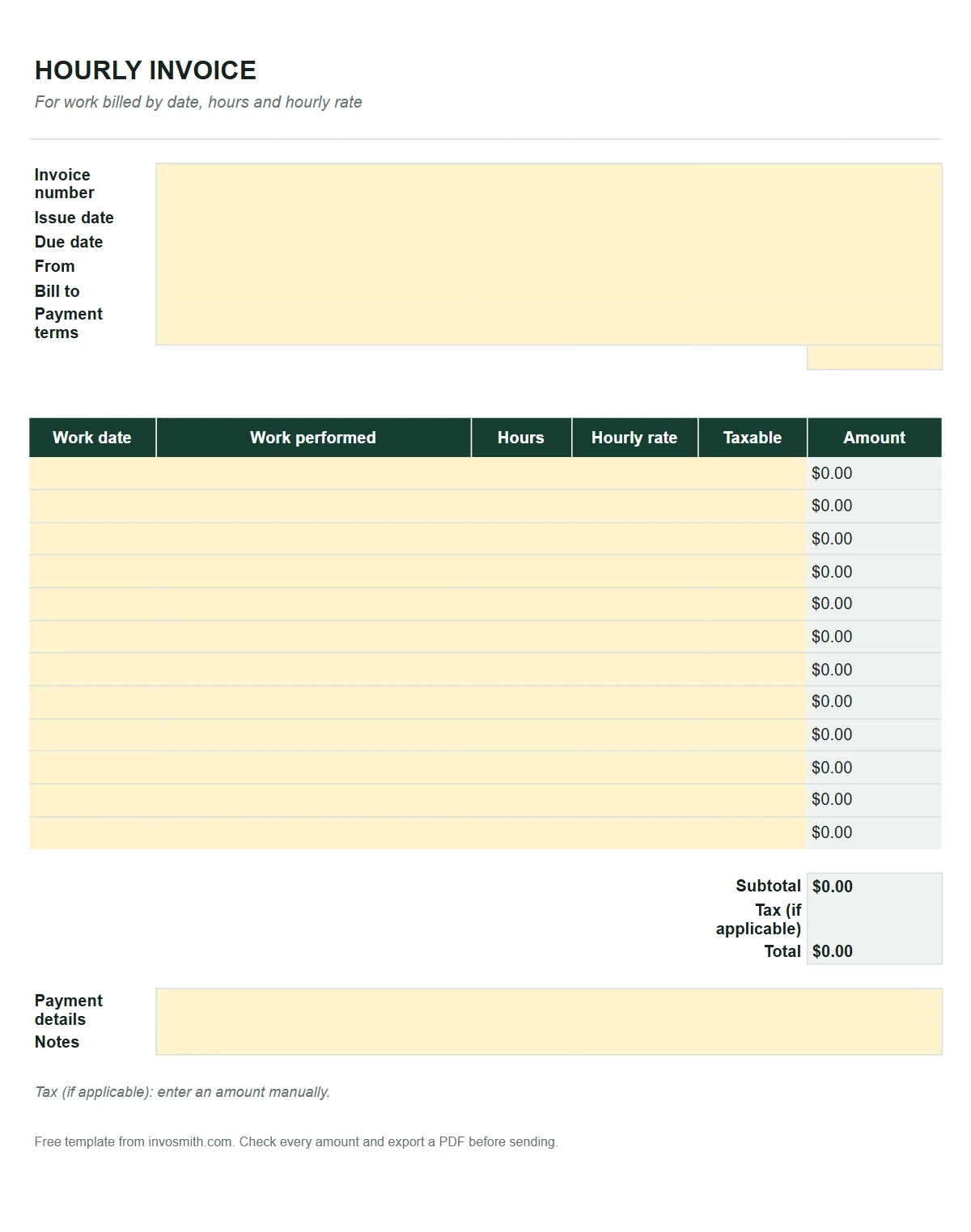
How can I choose a professional invoice template online?
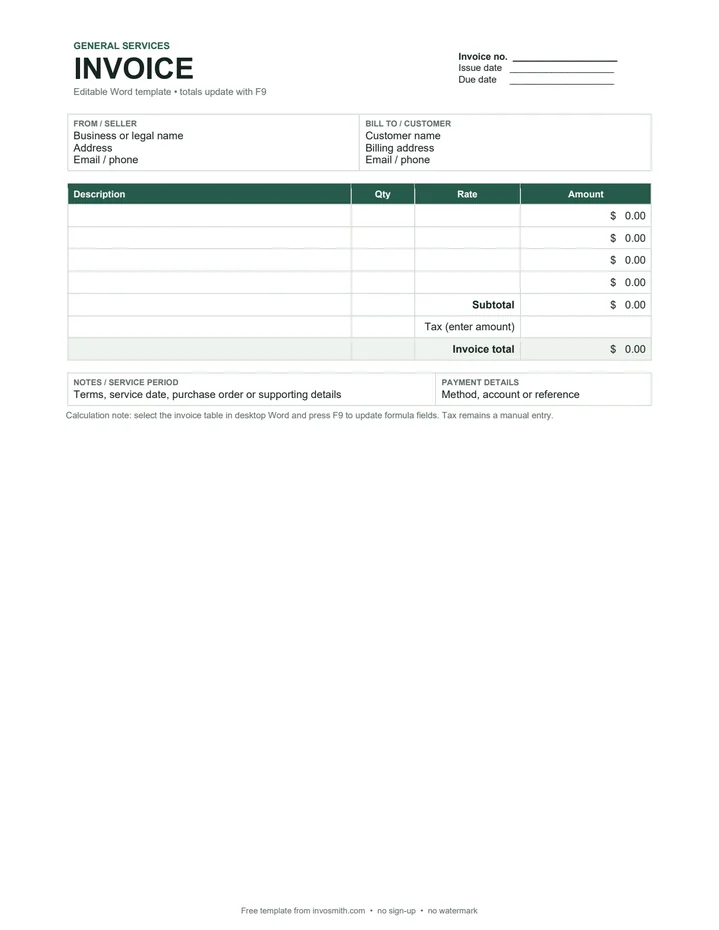
Choose a template that makes the work and payment request easy to follow. Look for business and customer details, an invoice number, dates, readable line items, an amount due and payment instructions. For trade work, leave room for the job address and any reference the customer uses to match the bill.
Choose the format around how you will complete it: PDF for a fixed printable layout, Word for document editing, Excel or Google Sheets for a spreadsheet. Use an industry page when the work needs specific lines, such as service visits, materials or project milestones. Use the invoice generator when you want to enter the details online and review a finished PDF. A professional layout lets the customer connect each charge to the work; fill the fields with the actual job details before sending it.
How to choose the right template
Send an invoice to ask for payment for work you have done, and a receipt to confirm a payment you have received. Use a quote or estimate before the work starts, a purchase order when you are the buyer, and a delivery note or packing slip when goods change hands. A credit note reduces an invoice you already sent; a statement summarises everything a client still owes.
Need to send it, track it and get paid by card? Every invoice template opens in the free generator, and Pro adds sending, reminders and card payments.