Free template
Free Delivery Note Template for Excel (.xlsx)
A delivery note records the goods handed over and the quantities received. This Excel version of our free delivery note template is a plain .xlsx grid with no price columns or formulas. That is the design of this general handover file, not a rule for every country: an Indian delivery challan has additional value and conditional tax fields. See the country requirements and filled-in samples before adapting the file for a regulated document. Every download is free: no sign-up, no email, no watermark.
New to the document itself? Start with what a delivery note is.
Download the delivery note template for Excel
Standard
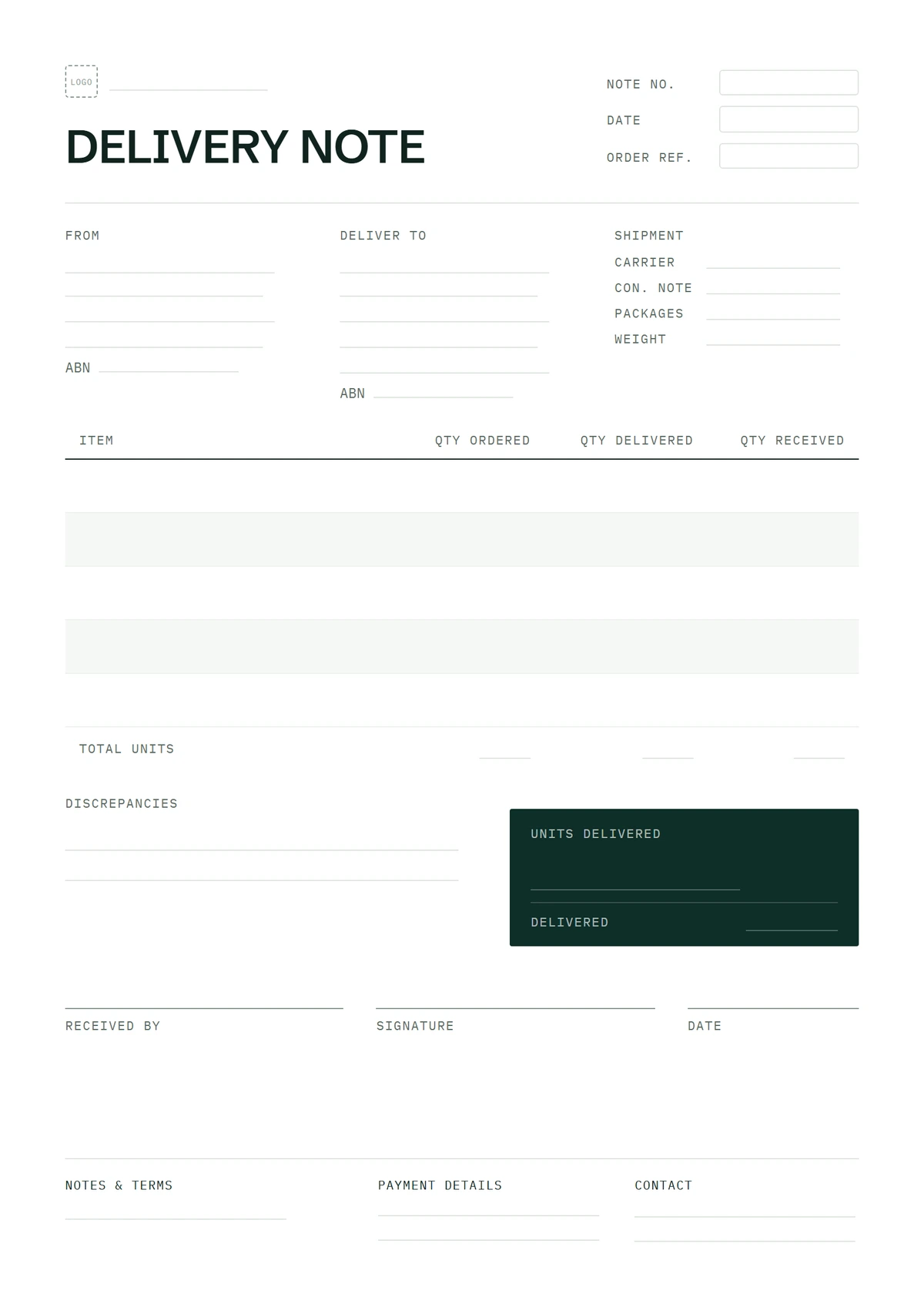
The one-page grid: item and product code, unit, quantity ordered, quantity delivered, to follow, and a signature block.
Every download is free — no email, no sign-up, no watermark.
The signed-for (2-copy) and returns layouts are built for printing and signing, so they ship in Word and PDF — you'll find them on the main delivery note template page. These general handover files have no price columns; the same page explains why they are not ready-certified country-specific tax or transport documents.
Editing the spreadsheet: a grid without formulas
This file has no formulas or price columns. Its cells hold typed text or numbers rather than calculated invoice amounts. That changes how you can treat this particular layout:
- Insert rows anywhere. Right-click a row number › Insert. There's no totals block underneath and no
SUMrange to fall out of, so a new row can go wherever the item belongs — no formula to copy down afterwards. - Delete, sort, rearrange freely. Nothing downstream recalculates, because nothing downstream exists. If you like your items in the order they're loaded on the van, sort them that way.
- Keep the two quantity columns. Quantity ordered comes from the customer's order and doesn't change; quantity delivered is what physically arrived. The pair is what makes the sheet worth signing.
- Check before adding an amount column. This file is an unpriced handover record, not a country-certified tax or transport form. Some regulated documents need value and tax fields; read the country requirements before adapting it for that purpose.
- The header rows are frozen so the column titles stay put while you scroll, and the print area is set so the sheet prints on one US Letter page. Fill it in, print it, get it signed — or export a PDF (File › Export) and send it ahead so the receiver knows what's coming.
If you want the enlarged signature block or the returned-goods column, those layouts live in the delivery note Word version — they're built for the printed page, and Word is better at that.
What goes where in the grid
Top rows: the delivery note number (DN-0001 style, separate from your invoice numbers), the delivery date, your details, the deliver-to address, and the customer's order or PO reference. The table columns run: item description and product code, unit, quantity ordered, quantity delivered, to follow. Below the grid: number of packages, a notes line, and the signature block — printed name, signature, date and time.
What to write in each field, a filled-in example, and how the signed sheet gets used later are all on the main delivery note template page.
Frequently asked questions
Why are there no formulas in this spreadsheet?
This particular spreadsheet records typed quantities and handover details without calculating prices, subtotals or tax. No formula needs copying when you add an item row. Other documents, including an Indian delivery challan, have different field requirements; see the country guidance.
Where are the signed-for and returns versions in Excel?
They don't exist, deliberately. Both layouts are built around a printed page — an enlarged signature block, copy labels, a refused-goods column filled in at the door — and that's Word and PDF territory. You'll find both on the delivery note Word version; the spreadsheet ships as the standard grid only.
Can I add a price or amount column?
The cells are editable, but adding a price column does not make the file compliant with applicable requirements. An Indian delivery challan includes taxable value and, where transport is for supply to the consignee, tax rate and amount. Check the country requirements before adapting this general handover layout.