Free template
Free Delivery Note Template for Word (.docx)
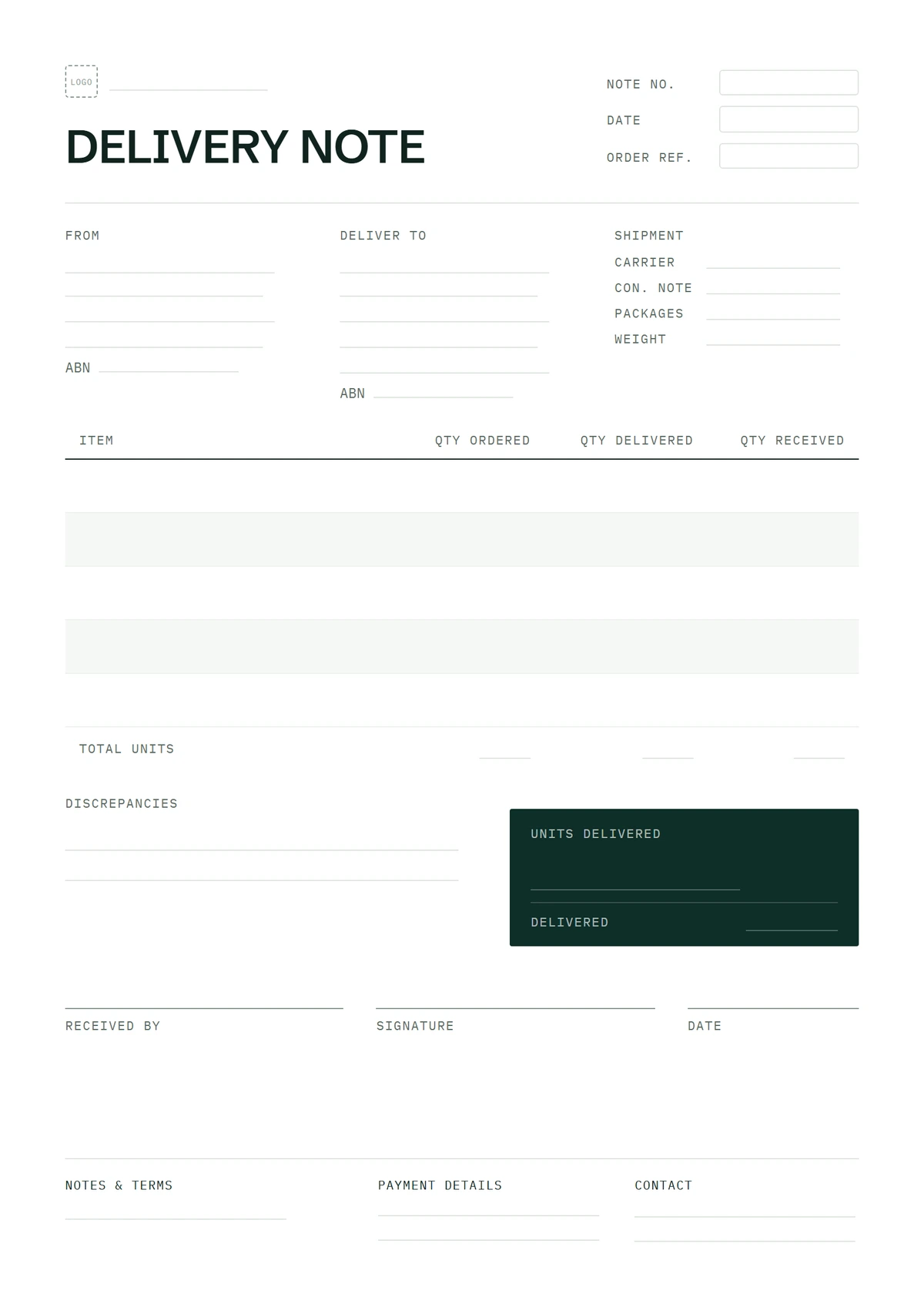
A delivery note records the goods handed over and the receiver's acknowledgement. This page has the Word version of our free delivery note template: standard, signed-for and returns layouts as editable .docx files, with notes on editing and printing them. These particular files have no price columns; that is a layout choice, not a rule for every country's delivery document. Every download is free: no sign-up, no email, no watermark.
Need help filling it in? See the three filled-in samples and country-specific requirements. For the definition and related document names, read what a delivery note is.
Download the delivery note template for Word
Standard
The one-page grid: item, quantity ordered, quantity delivered, and a line for the receiver to sign.
Signed-for (2-copy)
An enlarged receipt block — printed name, signature, date, time — plus copy labels so one part stays with the customer.
With returns column
Adds a Returned / refused column and a reason line, so the paperwork matches what actually went back on the van.
Every download is free — no email, no sign-up, no watermark. The Word file also opens in Google Docs.
These general handover files have no price or total column. They are not ready-certified Indian delivery challans or registered Philippine delivery receipts. The main delivery note page explains those differences and also has PDF and Excel downloads.
Editing the Word file: rows, copies and the returns column
The whole sheet is one Word table plus a signature block, so every edit is a table edit. The moves that matter:
- Add an item row. Click in the last cell of the last item row and press Tab — Word adds a matching row. Or right-click a row and choose Insert > Rows Below. These files have no totals row to disturb.
- Delete an item row. Select it, right-click › Delete Rows — don't just clear the text, or the empty line prints in the middle of your list.
- Keep both quantity columns. Copy the ordered quantity from the customer's order and record what actually arrived separately. Put shortages or quantities to follow in the available notes area so the next delivery can be reconciled.
- Check the document's purpose before adding prices. Keep this general handover sheet separate from your bill. Some regulated documents need value and tax fields: an Indian delivery challan is one example. Read the country requirements before adapting a general Word file for that role.
- The signature block is its own small table — printed name, signature, date, time. In the signed-for layout it's enlarged, and the copy labels under it mark which part stays with the customer and which comes back with the driver. Edit the label text if you print three parts instead of two.
- In the returns layout, the extra Returned / refused column and the Reason for return line are ordinary cells — fill them at the door, while the driver is still standing there, not back at the office from memory.
One page is the rule: if the table spills onto a second sheet, delete unused rows. The header row repeats automatically if a long delivery genuinely needs two pages.
What goes where on the sheet
Top of the page: the delivery note number (DN-0001 style — not the invoice number, not the order number), the delivery date, your details, and the deliver-to address, which is regularly not the billing address. Then the customer's order or PO reference — commercial customers match on it. The table itself runs: item description and product code, unit, quantity ordered, quantity delivered, to follow. Below it, the number of packages, the notes line, and the signature block: printed name, signature, date and time.
What to write in each field — and what makes the signed copy usable as evidence later — is covered field by field on the main delivery note template page.
Frequently asked questions
How do I print the two-copy version?
Print the signed-for layout twice and have the receiver sign both sheets — one stays with them, one comes back with the driver, and the copy labels on the page say which is which. The returned, signed copy is the one that matters to you: it's the sheet carrying the customer's signature.
Can I add prices to the Word file?
The Word file is editable, but adding a price column does not make it a compliant local tax or transport document. These downloads are unpriced handover records. An Indian delivery challan includes taxable value and, where transport is for supply to the consignee, tax rate and amount. Check the country requirements on the main page before changing the form's purpose.
Should I use the Word or the Excel version?
Word, if you need the signed-for or returns layouts, or want to adjust how the sheet looks — the Excel version ships as the standard grid only. Excel, if you'd rather fill a spreadsheet and keep one file per customer. The columns are identical either way.